1
User Manual for NVR
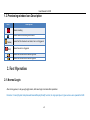
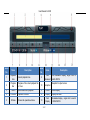
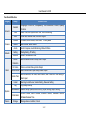
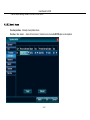
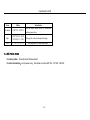
1.3. Previewing window Icon Description
Icon
Description
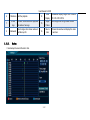
Means recording
Means client-end is linking this channel.
(Yellow)
(Red)
means that this channel is set alarm, but is not triggered
Means the alarm is triggered.
Means this window voice monitoring close.
Means this window voice monitoring open.
2. Fast Operation
2.1. Normal Login
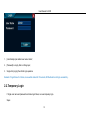
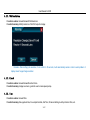
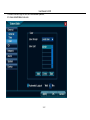
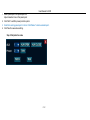
After starting system, it will popup [Login] screen, after user login can make other operation.
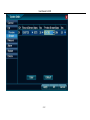
Remarks: If cancel [System Setup/General/General/Display Wizard] function, the login prompt won’t given unless users operate the NVR.
6/87