1
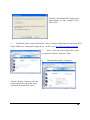
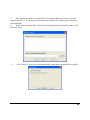
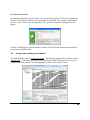
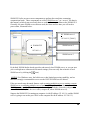
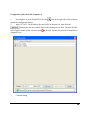
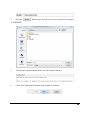
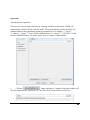
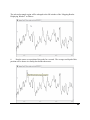
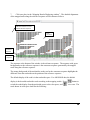
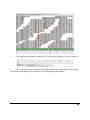
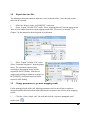
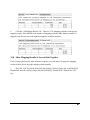
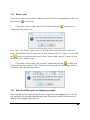
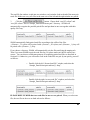
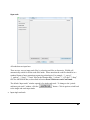
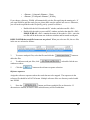
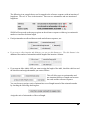
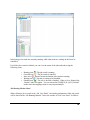
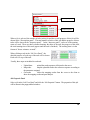
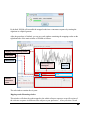
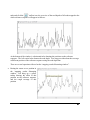
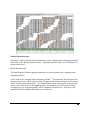
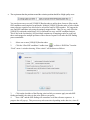
The merged mapping results will be shown in the “mapping results window”. Make sure to
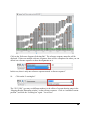
select the Results nodes, rather than the tasks. The [UNIQUE] Results node and the [ALL]
Results node of one job cannot be selected together. We suggest not select the [UNIQUE]
Results node and the [ALL] Results node together even they are from different jobs because
showing both uniquely mapped results and top N mapped results might mess up what you really
want.
92