1
Chapter 3. Concepts
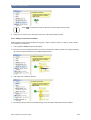
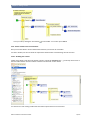
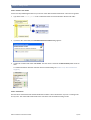
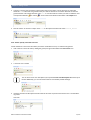
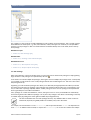
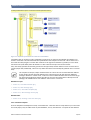
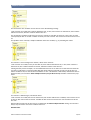
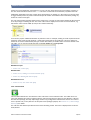
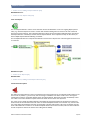
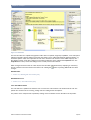
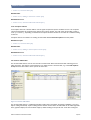
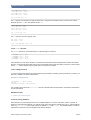
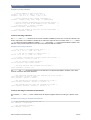
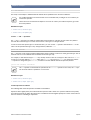
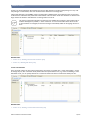
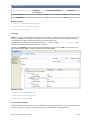
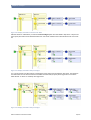
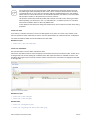
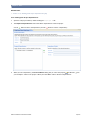
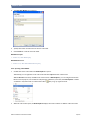
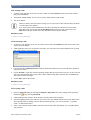
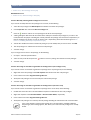
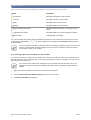
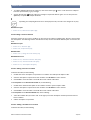
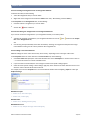
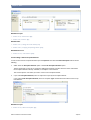
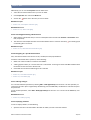
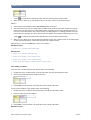
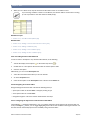
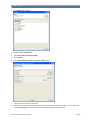
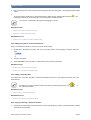
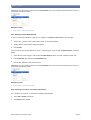
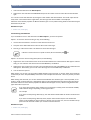
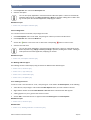
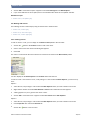
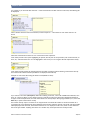
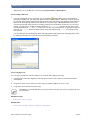
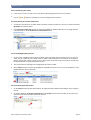
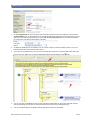
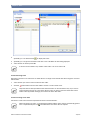
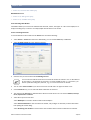
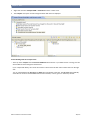
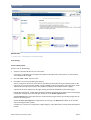
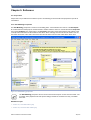
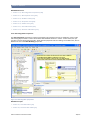
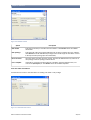
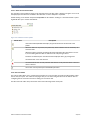
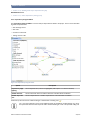
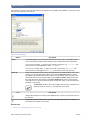
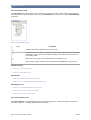
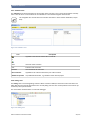
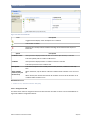
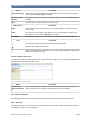
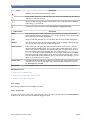
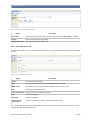
This decision has two conditions and an else exit. It has the following meaning:
"If the customer is an adult, then continue with the first exit, or else, if the customer is older than 65, then continue
with the second exit, otherwise continue with the else exit."
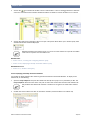
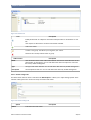
The decision has a problem in this form, because if a customer is older than 65 years he or she is also an adult.
Consequently the first "is an adult" condition is already true and executed. The second exit would never be executed.
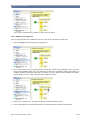
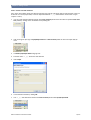
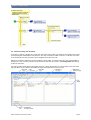
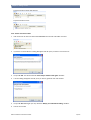
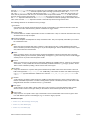
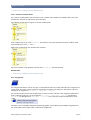
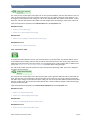
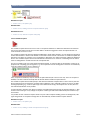
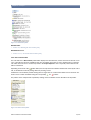
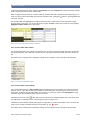
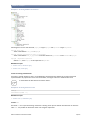
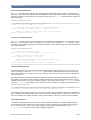
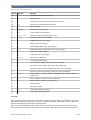
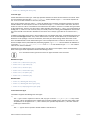
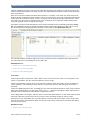
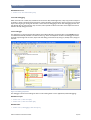
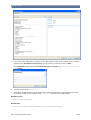
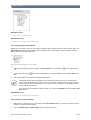
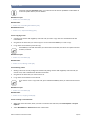
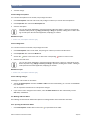
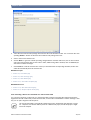
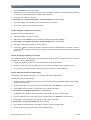
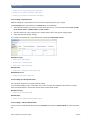
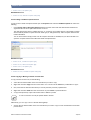
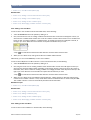
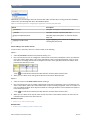
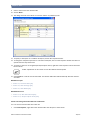
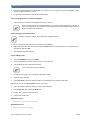
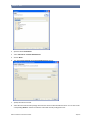
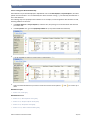
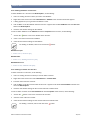
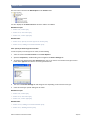
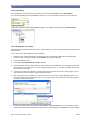
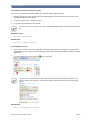
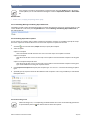
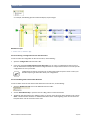
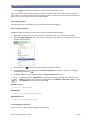
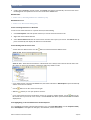
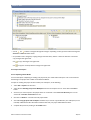
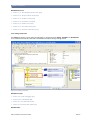
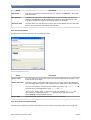
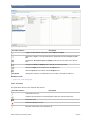
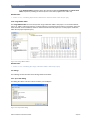
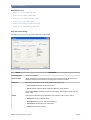
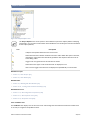
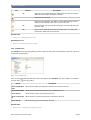
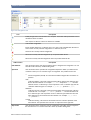
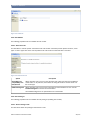
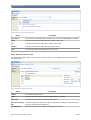
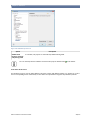
This problem can be solved by a simple modification of the first condition, e.g. by extending the criteria:
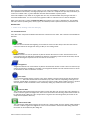
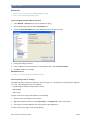
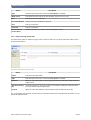
This results in a new meaning for the decision, which can be stated as:
"If the customer is an adult, but not yet older than 65, then continue with the first exit, or else, if the customer is
older than 65, then continue with the second exit, otherwise continue to the else exit."
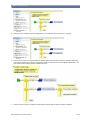
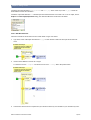
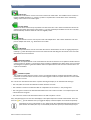
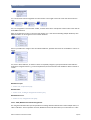
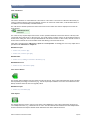
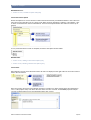
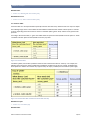
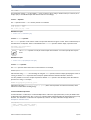
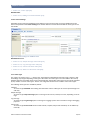
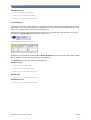
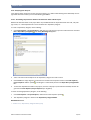
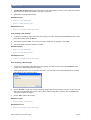
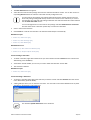
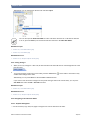
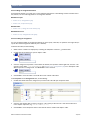
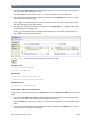
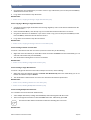
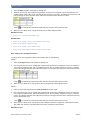
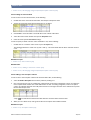
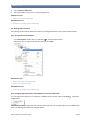
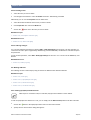
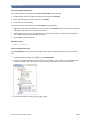
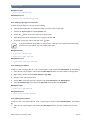
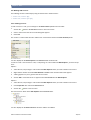
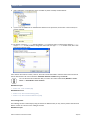
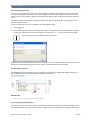
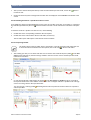
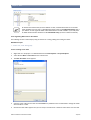
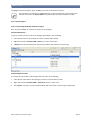
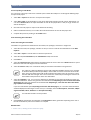
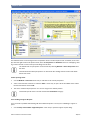
Starting from the previous example, it is conceivable that both exits "is an adult" and "is older than 65" should be
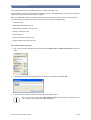
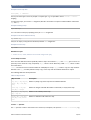
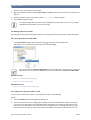
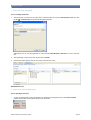
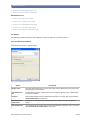
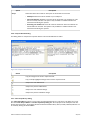
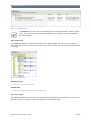
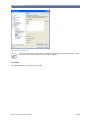
executed. For this there is a decision setting that tells Visual Rules that it should not only execute the first exit
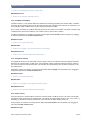
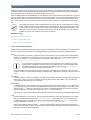
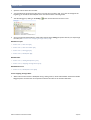
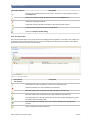
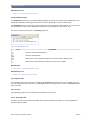
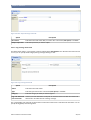
whose condition is true, but all exits whose conditions are true. This behavior is indicated by dashed lines that are
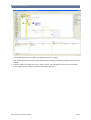
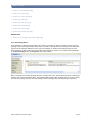
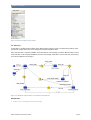
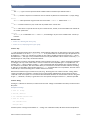
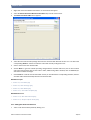
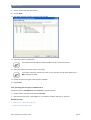
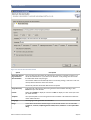
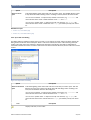
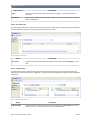
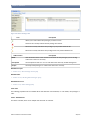
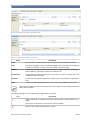
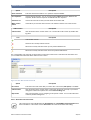
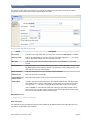
displayed when you activate the Allow multiple matches (not just the first one) checkbox in the decision properties.
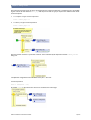
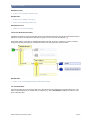
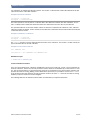
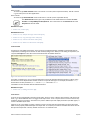
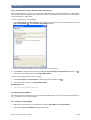
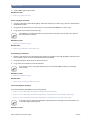
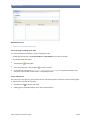
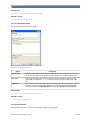
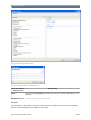
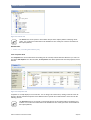
This results in a different logic, formulated in full as:
"If the customer is an adult, then execute the first exit (and continue with the next condition). If the customer is older than 65, then execute the second exit. If neither the first nor the second exit were executed then execute the
else exit."
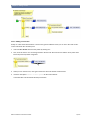
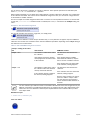
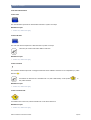
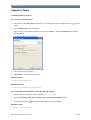
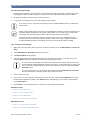
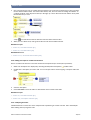
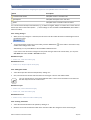
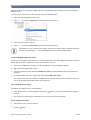
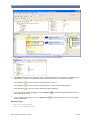
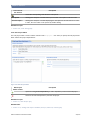
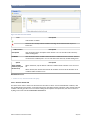
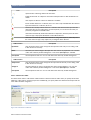
Note that the semantics for the else exit are not affected by the Allow multiple matches setting. The else exit is
always only executed if none of the conditions were true.
Related Tasks.
© Bosch Software Innovations GmbH
34/270