1
COMMUNITAKE TECHNOLOGIES LTD.
INTACT USER GUIDE
ACTIVATING REMOTE SUPPORT
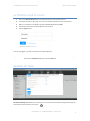
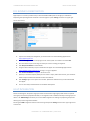
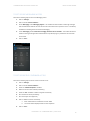
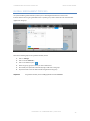
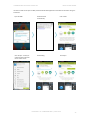
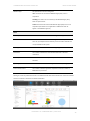
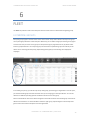
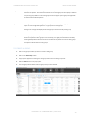
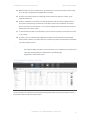
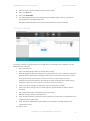
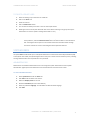
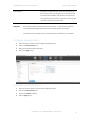
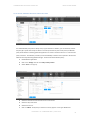
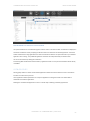
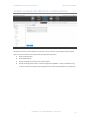
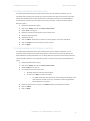
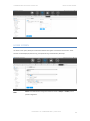
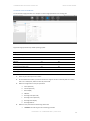
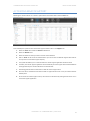
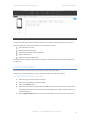
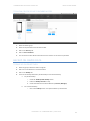
Activating the remote takeover for a device is performed via the devices table under the 'Fleet' tab.
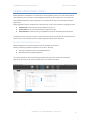
Once activated, the system launches the remote support module under a new 'Support' tab:
1.
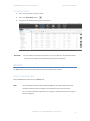
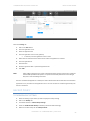
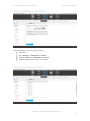
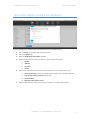
Select the 'Fleet' tab and then the 'Devices' tab below it.
2.
Select the 'Default' view.
3.
Select the device for which you wish to conduct remote takeover.
4.
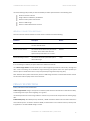
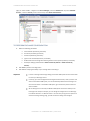
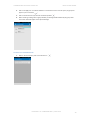
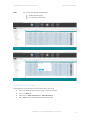
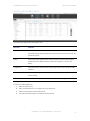
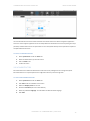
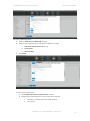
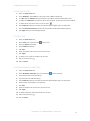
Click on 'Assist' at the line of the selected device. (You can shift to the Remote Support table view for
an easy access to the remote support request).
5.
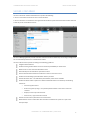
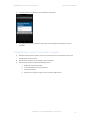
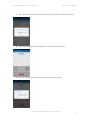
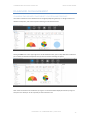
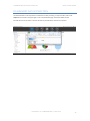
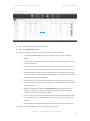
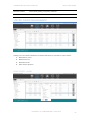
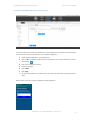
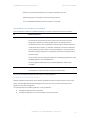
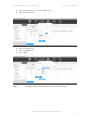
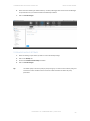
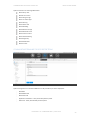
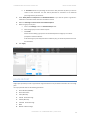
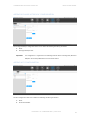
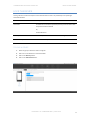
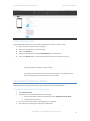
The system will deflect you to a new tab where the remote support application will be launched.
6.
If needed, the remote support application will automatically send the support client download SMS to
the target device by the number indicated in the devices table.
7.
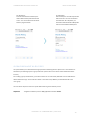
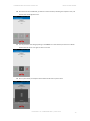
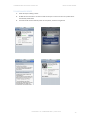
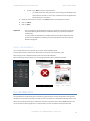
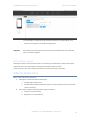
Proactively guide the device holder how to install the remote support client.
8.
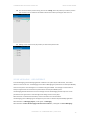
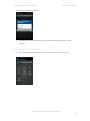
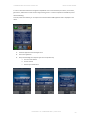
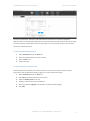
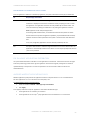
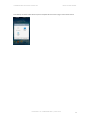
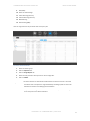
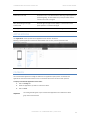
Once the client is installed and the device holder has approved the terms of use, the remote takeover
will take place.
9.
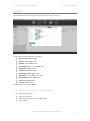
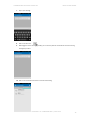
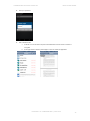
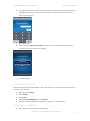
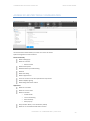
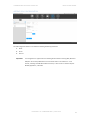
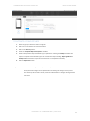
At the end of the remote support session, disconnect from the device by clicking the disconnect icon in
the remote support application.
PROPERTY OF COMMUNITAKE™ | 2009-2015
113