1
COMMUNITAKE TECHNOLOGIES LTD.
INTACT USER GUIDE
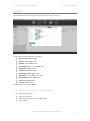
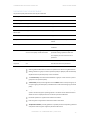
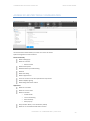
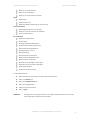
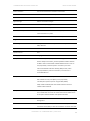
Allow user to use GameCenter
Allow user to use Bookstore
Allow user to access Erotica in Bookstore
iCloud
Allow backup
Allow document sync
Allow Photo Stream (disallowing can cause data loss)
Security and Privacy
Allow diagnostic data to be sent to Apple
Allow user to accept untrusted TLS certificates
Force encrypted backups
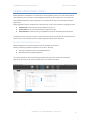
iOS 7 restrictions
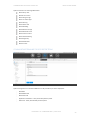
Block Account Modification
Block Air Drop
Block App Cellular Data Modification
Block Assistant User Generated Content
Block Find My Friends Modification
Block Fingerprint For Unlock
Block Host Pairing
Block Lock Screen Control Center
Block Lock Screen Notifications View
Block Lock Screen Today View
Block Open From Managed To Unmanaged
Block Open From Unmanaged To Managed
Block OTA PKI Updated
Do Not Force Limit Ad Tracking
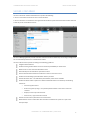
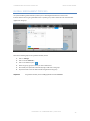
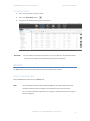
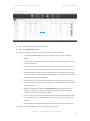
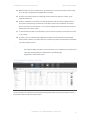
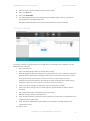
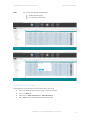
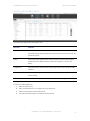
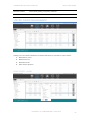
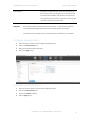
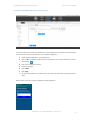
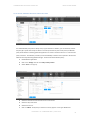
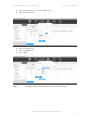
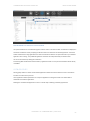
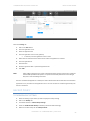
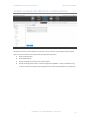
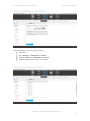
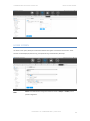
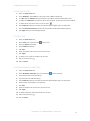
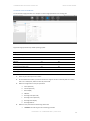
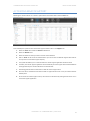
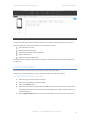
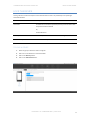
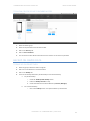
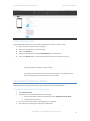
To define iOS restrictions:
1. Select the devices group for which you wish to define iOS restrictions.
2. Click on the 'Policies' tab.
3. Click on the 'iOS Restrictions' tab.
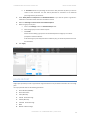
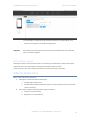
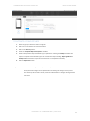
4. Select the heritage behavior.
5. Check the required restrictions.
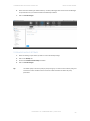
6. Click on 'Apply'.
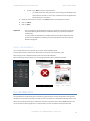
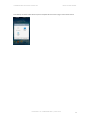
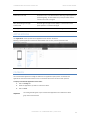
Important
The implication of activating a restriction: for example, disabling the camera will cause the
camera application to disappear from the device.
PROPERTY OF COMMUNITAKE™ | 2009-2015
91