1
COMMUNITAKE TECHNOLOGIES LTD.
INTACT USER GUIDE
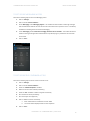
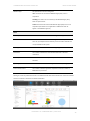
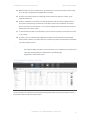
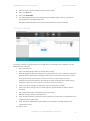
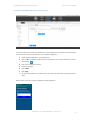
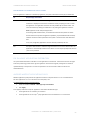
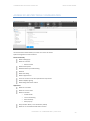
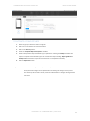
TO DELETE A DEVICE USER
1.
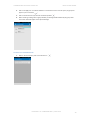
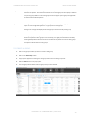
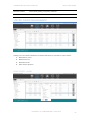
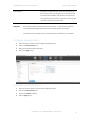
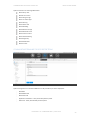
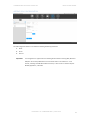
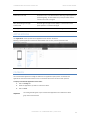
Select the device group in which the user is defined.
2.
Click on the 'Users' tab.
3.
Check the user line.
4.
Click on 'Delete Users' button.
5.
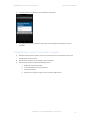
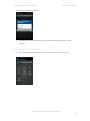
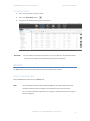
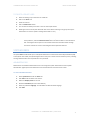
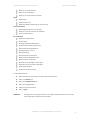
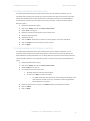
You can select to delete just the user or the user and his/her devices.
6.
Deleting the user but not his/her device will result in the device remaining in the group and only the
administrator can access it (same as adding a device with no user).
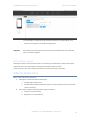
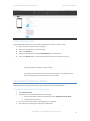
You can add a user after the initial enrollment process. If you wish to enable self-service for
Tip
device protection, check the Self-service access box in the devices table or in the edit devices
table. This will generate the process to send a welcome email to the device holder through
which he can activate his access to self-manage the device protection features.
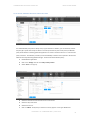
SYSTEM USERS
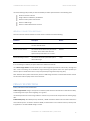
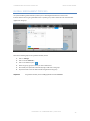
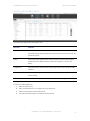
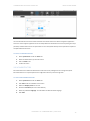
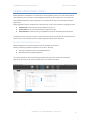
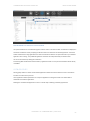
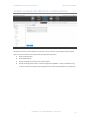
The System Users module allows you to add system administrators and Customer Service Representatives (CSR)
to the system. Once added, the system will generate for every user a similar account activation process, including
sending a welcome letter and a requirement to set a password.
ADMINISTRATORS
Administrators are additional administrators who can manage the system. Administrators have complete
administration rights equal to the administrator who has activated the account for the first time.
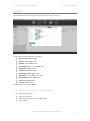
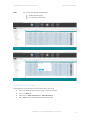
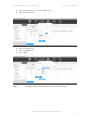
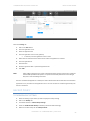
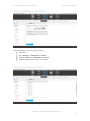
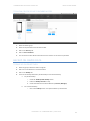
TO ADD ADMINISTRATORS
1.
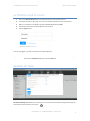
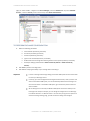
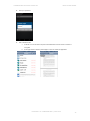
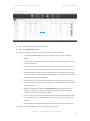
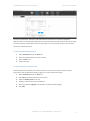
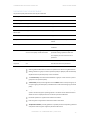
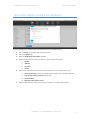
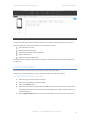
Select 'System Users' under the 'Fleet' tab.
2.
Click 'Add' under the Admin users section.
3.
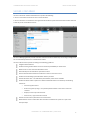
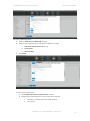
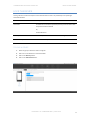
Define the 'Display name' for the user.
4.
Write the 'Username' (the user's email address).
5.
Select the preferred 'Language'. This will define the welcome letter language.
6.
Click 'Add'.
PROPERTY OF COMMUNITAKE™ | 2009-2015
71