1
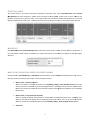
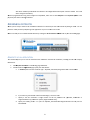
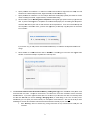
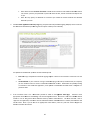
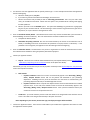
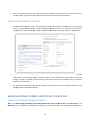
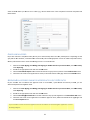
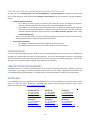
e.. f. g.. Specify whe ether the certtificate is to haave free Unifieed Communicaations supportt for the OWA A, mail and Autodiscover subdomainss (DomainSSL, OrganizationSSSL, and Extend dedSSL only). ether the certiificate is to have Subject Altternative Namee (SAN) option ns (see below for further Specify whe details on SSANs) (DomainSSL, OrganizationSSL, and ExxtendedSSL onlly). Select whetther you are Sw witching from a Competitorr. Selecting thee right option ensures you geet the best deal. If you u are switchingg from a compe etitor we will aautomatically q query the site holding the co ompetitor’s certificate aand add any tiime left on thaat certificate tto the replacem ment. If we cannot automaatically find the compettitor’s certificaate online, you u have the oppportunity to m manually copy aand paste the certificate into a text b box. h.. 3. If you choose Yes, you maay choose that 30 addition boonus days are added to the eexpiration datee free of charge. Select whetther it’s a New w Certificate order o or Renew wal. If renew wing you must enter the origginal Order Number or Certificate to h help us expedite the renewa l process. On the e Product Poin nt of Contact fo or Certificate D Delivery / Vettting Issues pagge enter the deetails of the peerson to be associated with the e order. The person p entere ed here can reeceive the actual SSL Certifiicate and the Certificate wal Notices. Iff you have regiistered other U Users for the aaccount you caan select the U User from the d drop down Renew list an nd click Auto Fill (see section Creating / / Managing U Users) to avoid d filling in this form for evvery order. Altern natively you can specify new contact details, for examplee the actual cu ustomer – but only do this iff you want GlobalSign to send the SSL Certificaate and Certificate Renewal Notices directlly to your customer. G does not include e any pricing information in n any communications with h your end Note: GlobalSign custom mer. 9