1
Consignor End
•
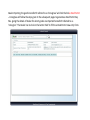
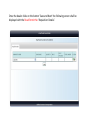
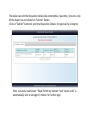
Consignor will login with e-Road Permit number and secret code as send on
consignor’s mobile.
•
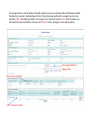
Dispatch of goods: Enter expected Date and Shipping Date.
•
Invoice Date (ddmmyyyy) : Enter date in ddmmyyyy format only (Example:
Enter date as 01/01/2012).
•
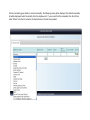
Transporter details: Enter Transporter details like mode of transport, Possible
Entry Location in Jharkhand(select district) etc.
•
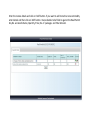
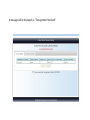
If the details entered are correct then click ‘Submit’.
•
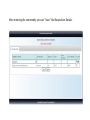
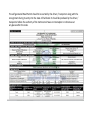
Click the button ‘Print’ to get automatically e-Road Permit copy (JVAT 504 G).