1
251311136 My-X2 English.book Page 7 Lundi, 7. juillet 2003 1:49 13
Description
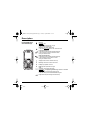
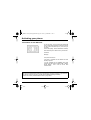
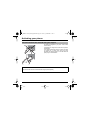
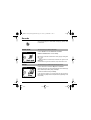
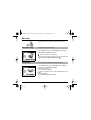
Programmable keys
and Shortcut keys
Stop key:
Hold down: Stop
Press briefly:
In a call context: Rejects a call - hung up
In menus: Return to home page.
Start key: Press briefly: Starts phone
In call context: Call - reception of a call - hands-free mode
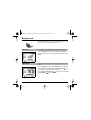
Left programmable key:
In home page: Access to certain functions (shortcuts)
In menus: Cancel (or return) as indicated on screen
During call: Reduces volume
Right programmable key:
In home page: Access to certain functions (shortcuts)
In menus: Accept, choose as shown on screen
During call: Increases volume
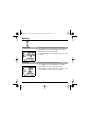
Top key: Previous choice / increase value / top
Down key: Down choice / reduce value / down
Left key: Up input field / move left
Right key: Down input field / move right
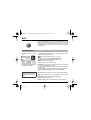
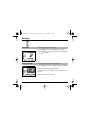
* Key :
Hold down: In home page: Silent mode
Press briefly + OK (right programmable key) activates or deactivates
keypad locking
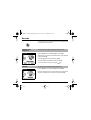
In call reception mode: Short press stops ring tone
In ring tone setting mode: Activates/deactivates ring tone
# Key: Zoom mode (see message and WAP menus)
7