1
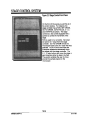
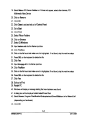
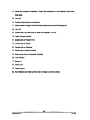
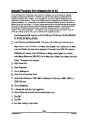
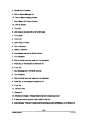
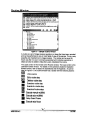
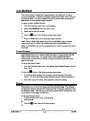
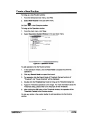
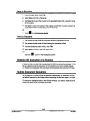
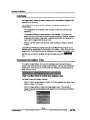
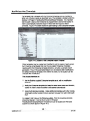
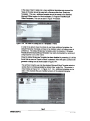
Filter functionality
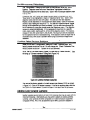
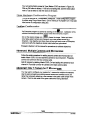
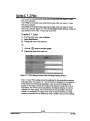
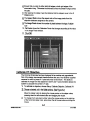
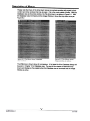
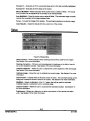
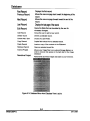
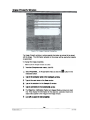
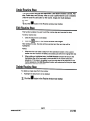
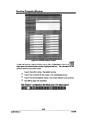
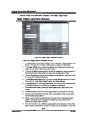
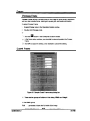
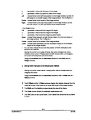
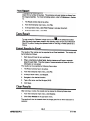
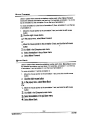
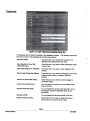
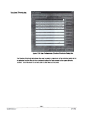
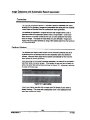
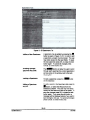
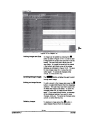
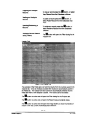
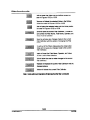
Add will insert the Value into the Defined values box
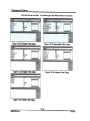
seen in Figures 13-32 to 13-36.
Removewill delete the selected Value in the Defined
values box seen in Figures 13-32 to 13-36.
Use will place the selected value into the Value position
box seen in Figures 13-32 to 13-36.
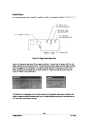
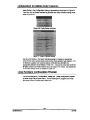
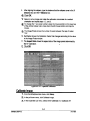
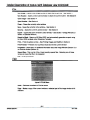
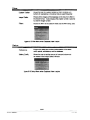
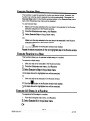
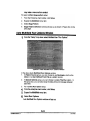
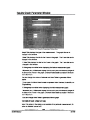
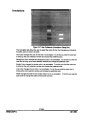
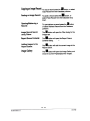
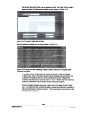
Save will save the current Filter Definition. In order to
save a filter the Filter Name,Field Name,Operator,and
Value must be selected.
Save As will save any changesmadeto the current
Filter Definition with the option of changing the Filter
Name.
.
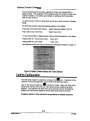
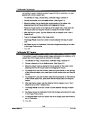
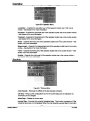
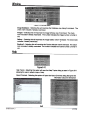
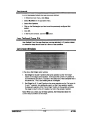
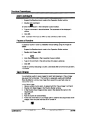
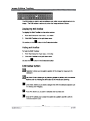
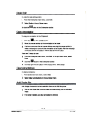
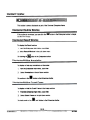
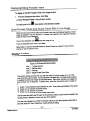
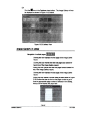
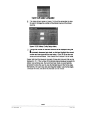
To exit out of the Filters dialog press the close button
Close will not save any changes made to the current
Filter Definition.
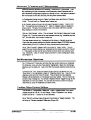
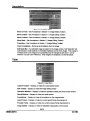
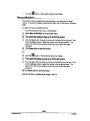
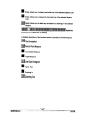
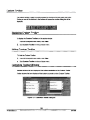
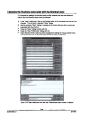
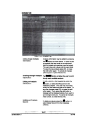
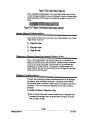
Insert will insertthe Field Name.Operator,and Value
into the current Filter Definition.
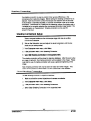
Edit will allow the user to make changesto the current
Filter Definition.
Replace will replace the current Filter Definition with the
changed options.
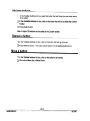
Delete will delete the current Filter Definition
Note: Uponexitingand reenteringEnterprisethat the filter is removed
13-25
MA861000-4.0
8117/99