1
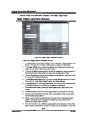
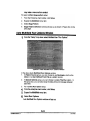
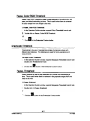
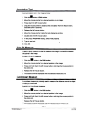
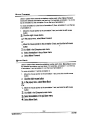
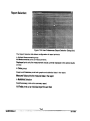
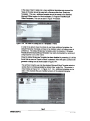
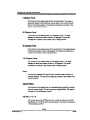
Area Fraction Plane Measurement
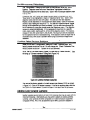
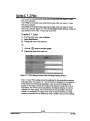
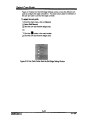
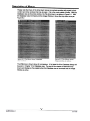
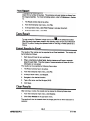
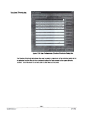
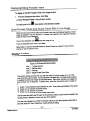
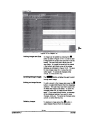
This functionmeasures the area percentage of a particular bitplane
relative to the measurement of the total area of a reference bitplane. This
function allows the selection of a specific bitplane as the reference for
measuring the percentage. Although only 1 reference bitplane is chosen,
as many source bitplanes as required may be selected. In other words,
Area % = (source bitplane area)/(reference bitplane area) * 100%.
Results are always reported as a percentage.
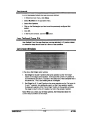
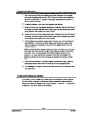
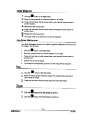
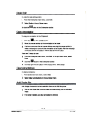
Area Fraction Sample Measurement
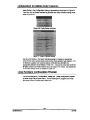
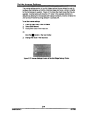
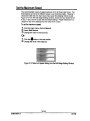
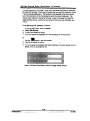
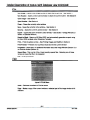
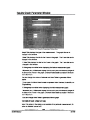
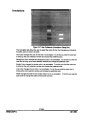
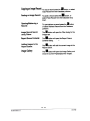
This function measures the area percentage of a particular bitplane
relative to the measurement of total field area in the field of view or to the
Guard Frame, whichever is smaller. In other words, Area % = (source
bitplanearea)/(GuardFramearea) * 100%.Resultsare always reported
as a percentage.
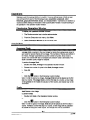
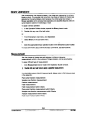
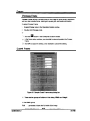
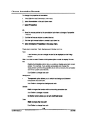
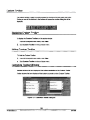
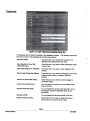
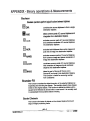
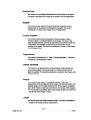
Criteria Measurements
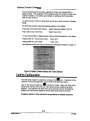
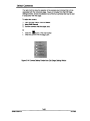
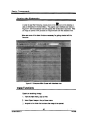
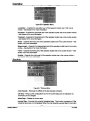
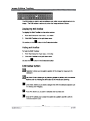
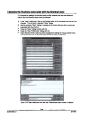
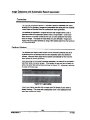
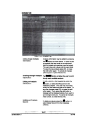
Criteriaallows the user to set limits for any of the measured data. The
user may set limits of less than, greater than, inside limits or outside
limits. This may be undertaken for Field, Feature, Area fraction Plane, or
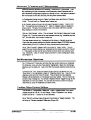
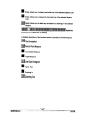
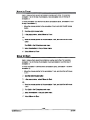
Area fraction Sample. When Criteria Measurements are used, an Excel
file called fieldmap.csY is generated with a data column for any criteria
measure step. For Field and Area fraction Criteria the fieldmap.csY file
will indicate 1 for fields exceeding the set limits. For Feature Criteria the
fieldmap.csY file will show the number of features exceeding the set
limits.
MA861000-4.0
-.
--
A1t..13
--.
--
-.
\)"
2/4100