1
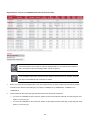
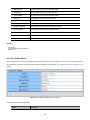
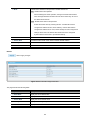
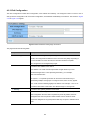
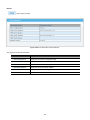
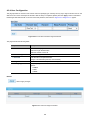
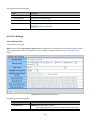
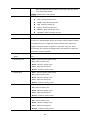
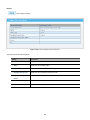
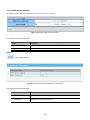
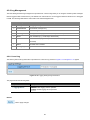
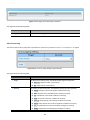
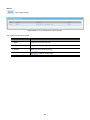
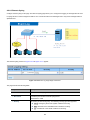
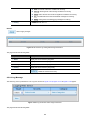
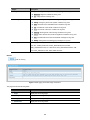
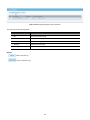
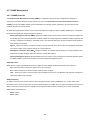
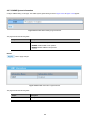
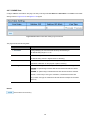
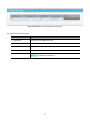
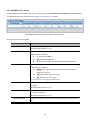
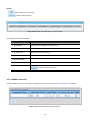
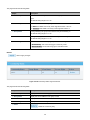
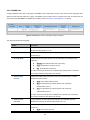
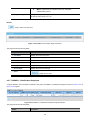
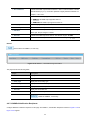
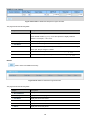
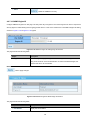
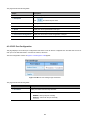
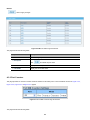
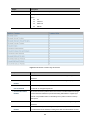
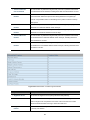
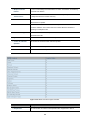
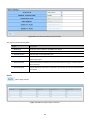
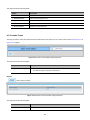
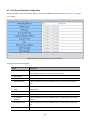
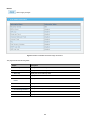
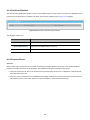
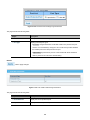
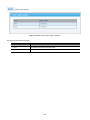
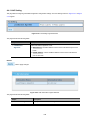
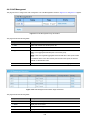
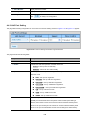
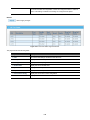
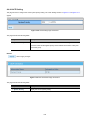
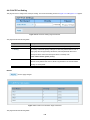
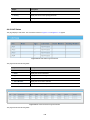
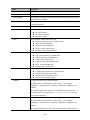
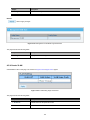
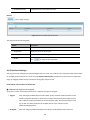
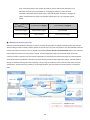
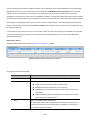
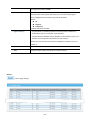
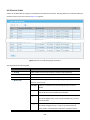
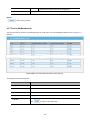
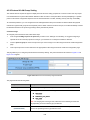
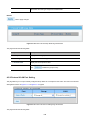
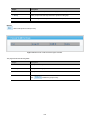
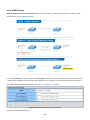
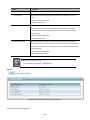
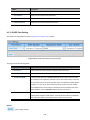
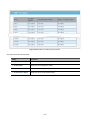
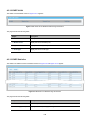
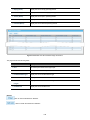
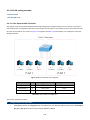
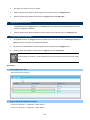
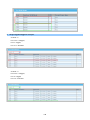
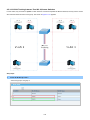
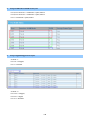
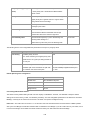
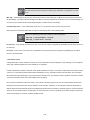
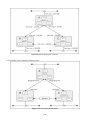
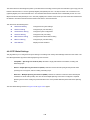
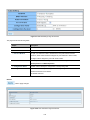
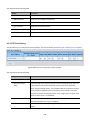
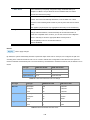
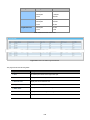
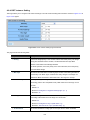
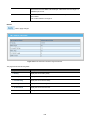
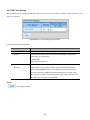
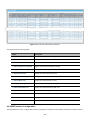
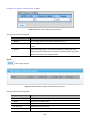
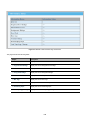
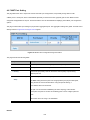
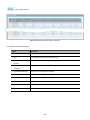
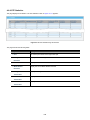
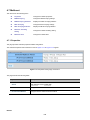
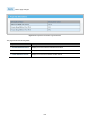
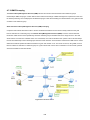
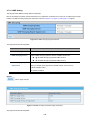
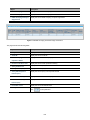
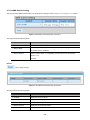
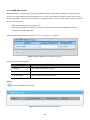
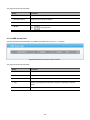
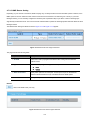
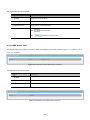
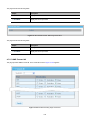
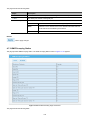
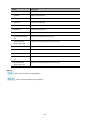
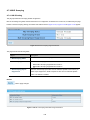
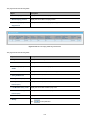
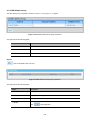
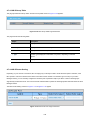
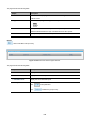
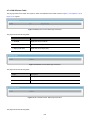
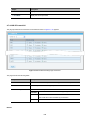
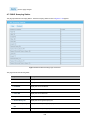
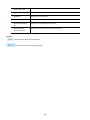
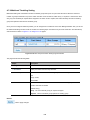
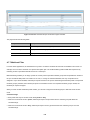
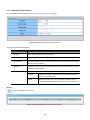
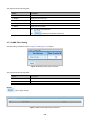
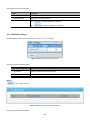
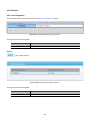
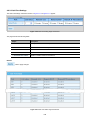
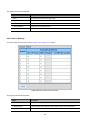
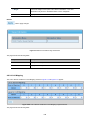
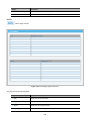
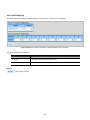
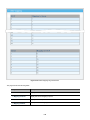
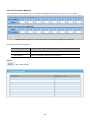
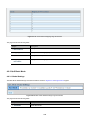
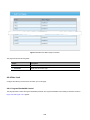
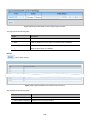
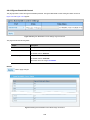
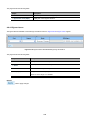
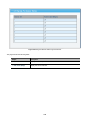
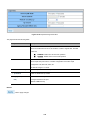
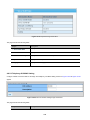
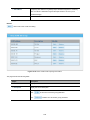
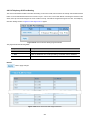
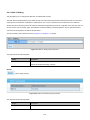
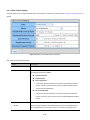
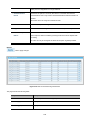
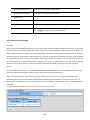
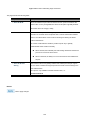
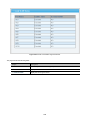
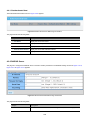
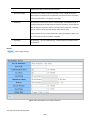
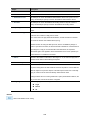
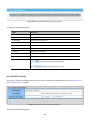
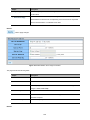
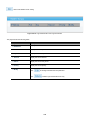
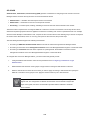
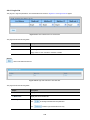
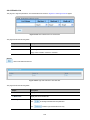
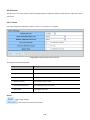
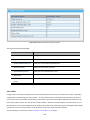
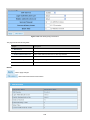
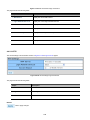
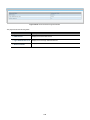
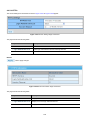
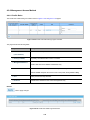
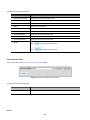
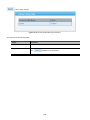
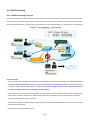
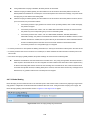
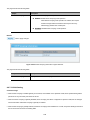
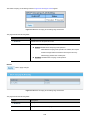
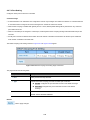
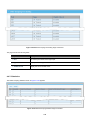
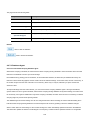
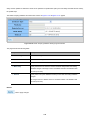
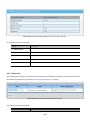
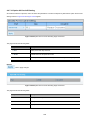
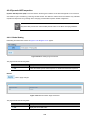
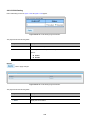
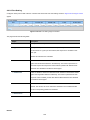
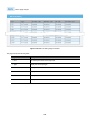
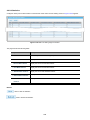
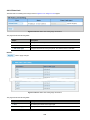
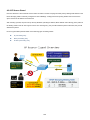
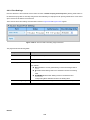
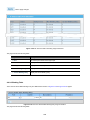
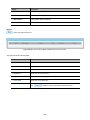
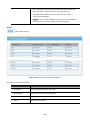
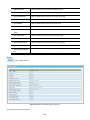
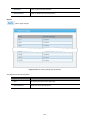
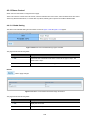
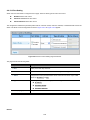
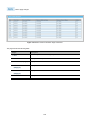
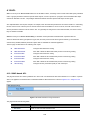
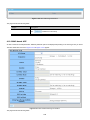
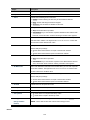
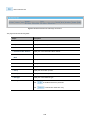
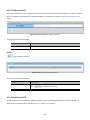
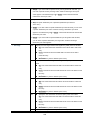
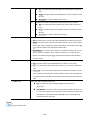
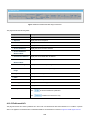
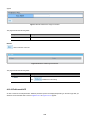
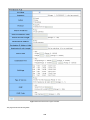
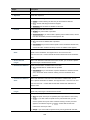
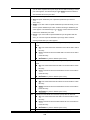
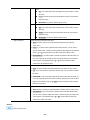
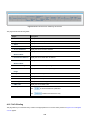
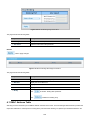
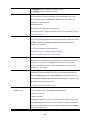
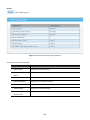
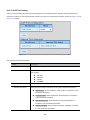
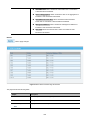
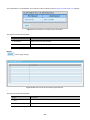
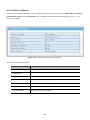
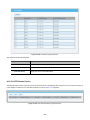
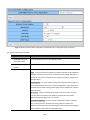
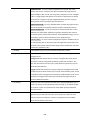
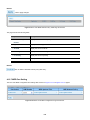
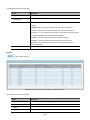
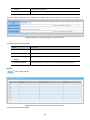
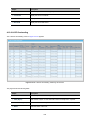
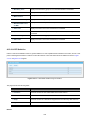
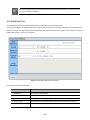
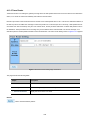
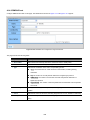
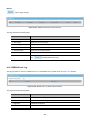
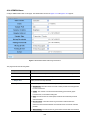
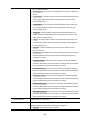
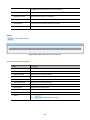
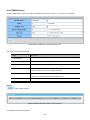
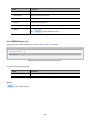
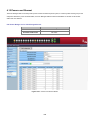
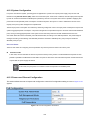
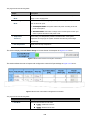
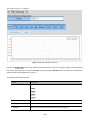
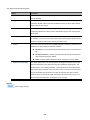
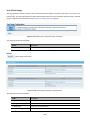
The page includes the following fields: Object Description • DHCP Snooping Indicates the DHCP snooping mode operation. Possible modes are: Enabled: Enable DHCP snooping mode operation. When DHCP snooping mode operation is enabled, the request DHCP messages will be forwarded to trusted ports and only allowed reply packets from trusted ports. Disabled: Disable DHCP snooping mode operation. Buttons : Click to apply changes. Figure 4-9-34 DHCP Snooping Information Page Screenshot The page includes the following fields: Object Description • DHCP Snooping Display the current DHCP snooping status 4.9.7.3 VLAN Setting Command Usage • When DHCP snooping is enabled globally on the switch, and enabled on the specified VLAN, DHCP packet filtering will be performed on any untrusted ports within the VLAN. • When the DHCP snooping is globally disabled, DHCP snooping can still be configured for specific VLANs, but the changes will not take effect until DHCP snooping is globally re-enabled. • When DHCP snooping is globally enabled, and DHCP snooping is then disabled on a VLAN, all dynamic bindings learned for this VLAN are removed from the binding table. 243