1
Miscellaneous
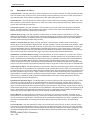
9.2 Real Time Clock (RTC)
The unit has built in Real Time Clock (RTC). This clock has battery backup.
In the absence of power, the battery will retain the clock settings.
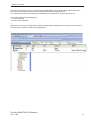
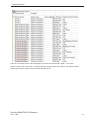
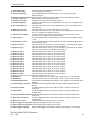
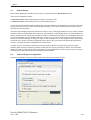
The time and date information is available through Default System Tags defined in Tag Database.
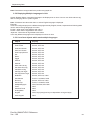
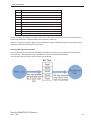
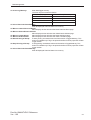
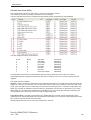
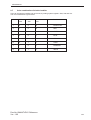
The tags assigned for RTC are as follows:
Sr. No.
1.
2.
3.
4.
5.
6.
7.
Bytes
2
2
2
2
2
2
2
Tag Name
RTC-Date
RTC-Month
RTC-Year
RTC-Hour
RTC-Min
RTC-Sec
RTC-Day of Week
Permission
Read Only
Read Only
Read Only
Read Only
Read Only
Read Only
Read Only
An application can make use of these Default System Tags for displaying and for decision making.
These default system registers are Read only (as shown in table), so you can not write anything to these
registers.
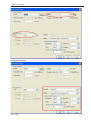
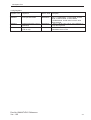
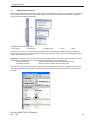
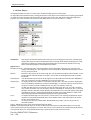
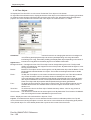
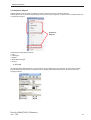
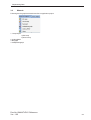
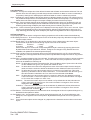
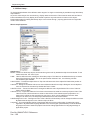
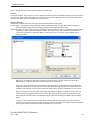
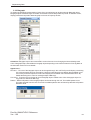
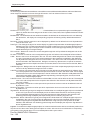
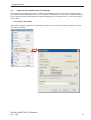
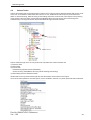
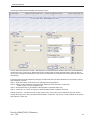
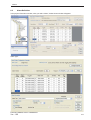
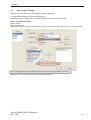
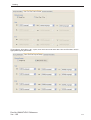
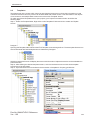
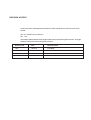
RTC Task present in Tasklist
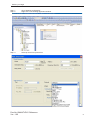
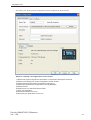
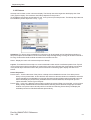
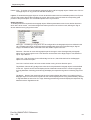
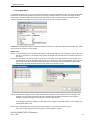
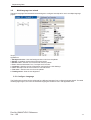
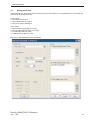
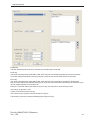
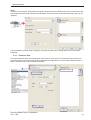
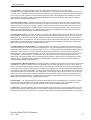
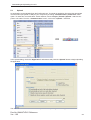
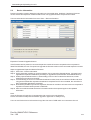
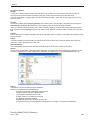
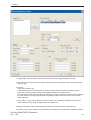
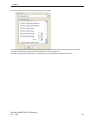
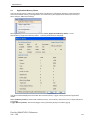
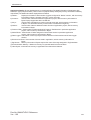
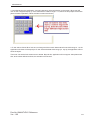
Set RTC :- User can edit RTC (Real Time Clock) registers of the FP unit. This task increments selected RTC
register at a time for one instance. User can edit Year / Month / Date / Hour / Minutes / Seconds / Day of the
week. User must place a Time / Date object on the screen for editing the RTC. This task is supported in key
tasks only.This task is available in Task lists with Key Task(either Function Key or Global Key) only. These
tasks either can be assigned to Hardware key or Bit Button key. RTC counts all parameters with leap year
compensation so no miss of any Date / time with change in leap Year.
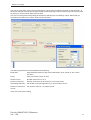
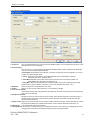
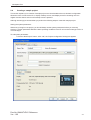
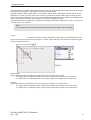
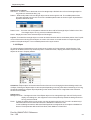
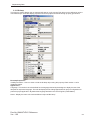
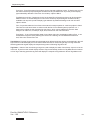
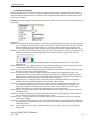
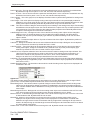
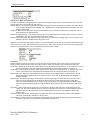
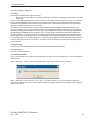
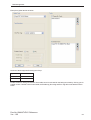
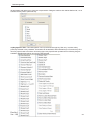
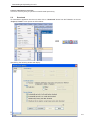
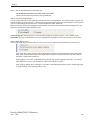
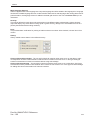
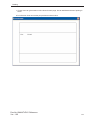
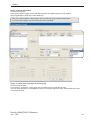
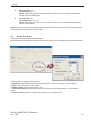
Copy RTC to PLC:- This task is supported only in Global task-list. This task copies sequentially 7 RTC
parameters from selected tag after every specified RTC Download Time. If this time is specified as 0 seconds
then it means this task will be executed as per
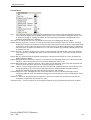
Global task-list execution time. Click ‘OK’ to add task in task list.
Doc No: UMAN/TriPLC-Reference
Ver.: 1.00
126