1
Workspace Tour
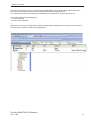
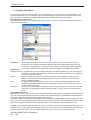
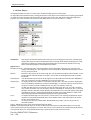
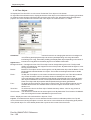
Advanced Objects:
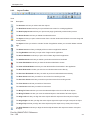
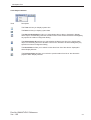
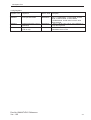
Tools
Description
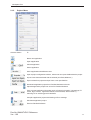
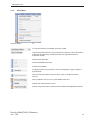
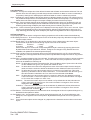
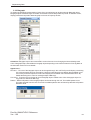
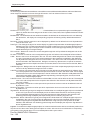
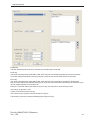
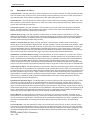
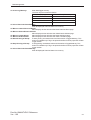
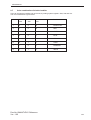
The Advanced Bit Button displays wizard having list of various pre-defined tasks & can be
performed through it.
The Word Button displays multiple states and perform respective multiple tasks action on
different value ranges os a single numeric tag.
The Bit Lamp displays ON state and OFF state of a coil type tag.
The Word Lamp displays multiple states of different value ranges of a single numerical tag
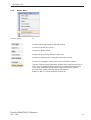
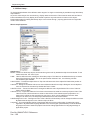
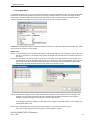
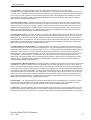
The Bargraph lets you change bar height and width according to the value in the register
The Multiple Bargraph lets you change bar height and width according to the value in the
register (upto 4) simultaneously
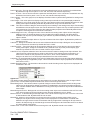
The Analog Meter lets you represent the parameter values viz.: temparature or pressure from
FP unit or PLC tag
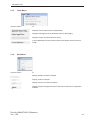
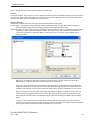
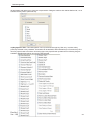
The Trend displays a graphical representation of a tag’s value
The Historical Trend displays a graphical representation of a tag’s value
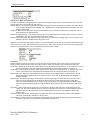
The Alarm lets you define alarms in the application
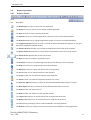
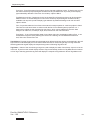
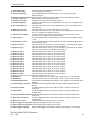
The Keypad lets you enter the data in a touch screen product
The ASCII Keypad lets you enter the data in ASCII format
The Custom Keypad lets you set
Doc No: UMAN/TriPLC-Reference
Ver.: 1.00
26