1
Axiom H2 User Manual
AirTalk guide
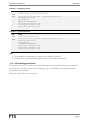
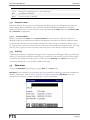
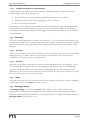
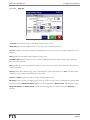
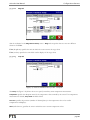
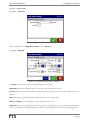
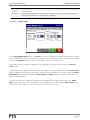
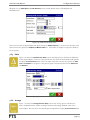
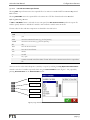
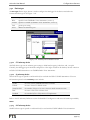
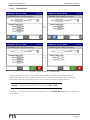
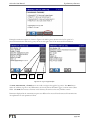
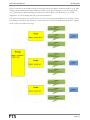
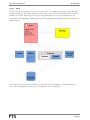
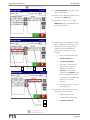
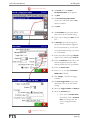
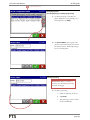
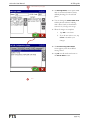
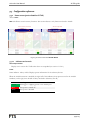
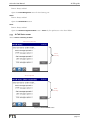
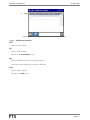
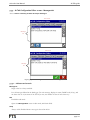
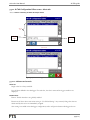
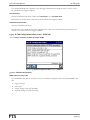
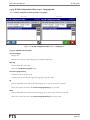
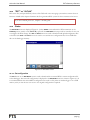
9.3.6 AirTalk Configuration Editor screen – Phrases tab
Access: Home ► Telemetry ► Status ► Setup ► Phrases
View mode
Phrase
list
Edit mode
Phrase
list
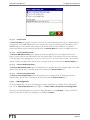
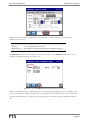
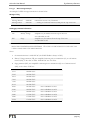
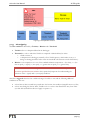
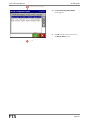
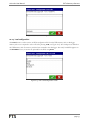
Figure 9-11: AirTalk Configuration Editor screen – Phrases tab
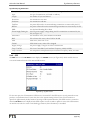
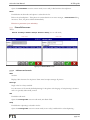
9.3.6.1 Indicators and controls
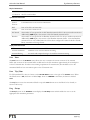
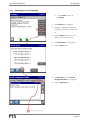
Phrase list
Single-select list. Always enabled.
Lists all phrases defined in the datalogger. For each phrase, the phrase’s name and its (possibly abbreviated)
content (in the AirTalk’s current language) are displayed.
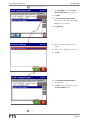
New
Enabled in edit mode.
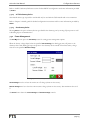
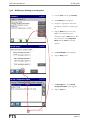
Opens the Phrase Editor screen in edit mode, with blank fields.
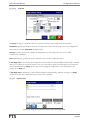
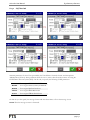
Setup
Visible in view mode. Enabled when a phrase is selected in the list.
page 215