1
3.2
Calibration on Windows Pro 8.1 or Windows Embedded Industry Pro 8.1 or Windows
Embedded Industry Pro Retail 8.1
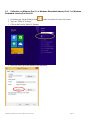
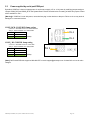
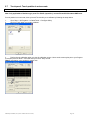
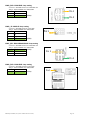
1. On desktop top, hit the Windows Icon
2. Type out “Tablet PC Settings”
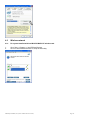
3. Click on the Icon for Tablet PC Settings
either on keyboard or lower left corner.
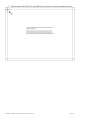
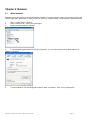
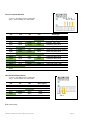
4. Here you will be given the option to run calibration:
Manual for CYPRUS (V1.0) (Core Pentium & Core i-Series)
Page 13