1
Analyzing waveforms
Using the Serial Error Detector
The Serial Error Detector requires option ERRDT. The oscilloscope Error Detector conducts Bit, Frame, Symbol, and
Character tests much like a BERT. It has the advantage that it not only counts the errors and computes the error rates,
but it also shows you where the error occurs in the signal and it allows you to connect probes to other channels to debug
the source of the errors, such as crosstalk.
The Error Detector is often used in conjunction with TekExpress software applications to conduct receiver and margin testing.
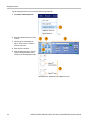
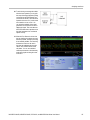
The Error Detector has built-in preset setups that cover the most common use cases. These can be modified and saved as
custom setup files for later recall. Sample arbitrary waveform generator (AWG) setup files are included for various SATA
Gen3 and USB3 signals. These files make it easy to verify correct operation of the Error Detector, and may be used
to test a device-under-test (DUT).
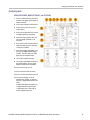
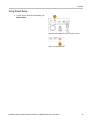
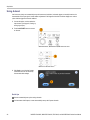
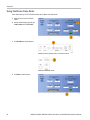
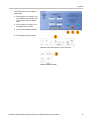
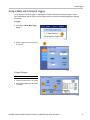
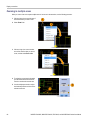
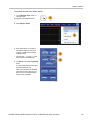
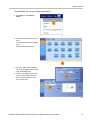
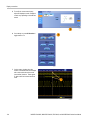
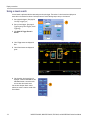
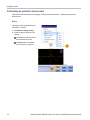
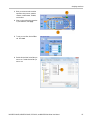
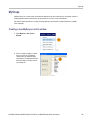
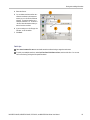
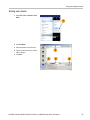
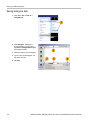
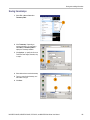
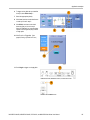
To use the Serial Error Detector, do the following steps:
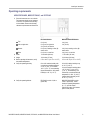
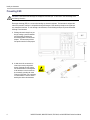
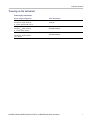
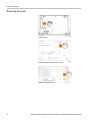
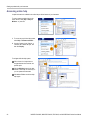
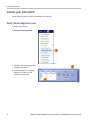
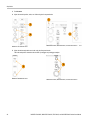
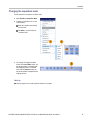
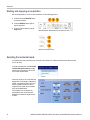
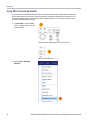
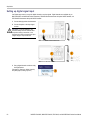
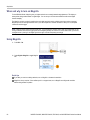
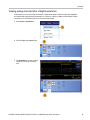
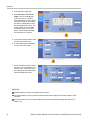
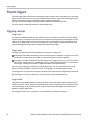
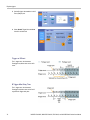
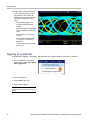
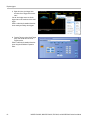
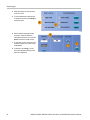
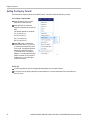
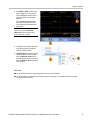
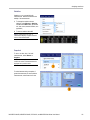
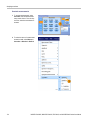
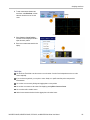
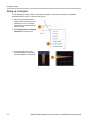
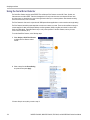
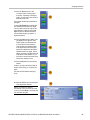
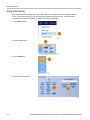
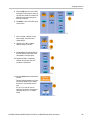
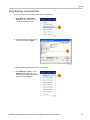
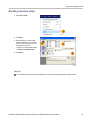
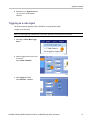
1. Select Analyze > Serial Error Detector
to display the Error Detector control
window.
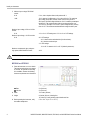
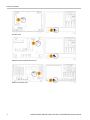
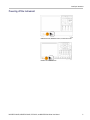
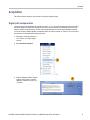
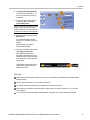
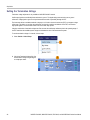
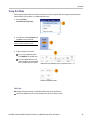
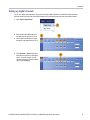
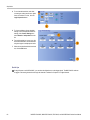
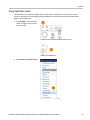
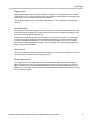
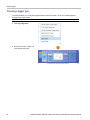
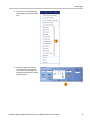
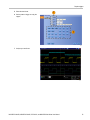
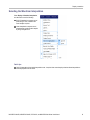
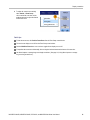
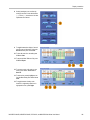
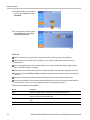
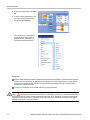
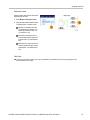
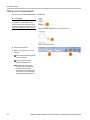
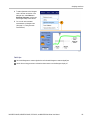
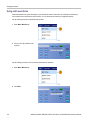
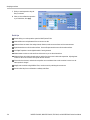
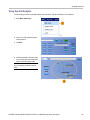
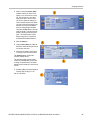
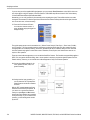
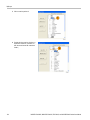
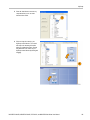
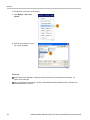
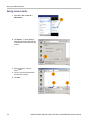
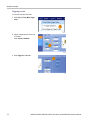
2. Select a setup from the Preset Setting
drop-down list and press Apply.
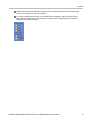
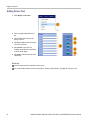
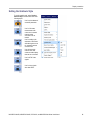
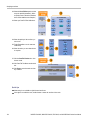
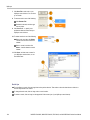
If Custom Setup is not required, proceed to step 13.
132
MSO/DPO70000DX, MSO/DPO70000C, DPO7000C, and MSO/DPO5000 Series User Manual