1
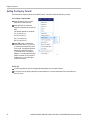
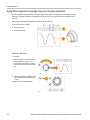
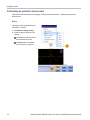
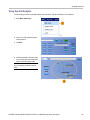
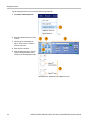
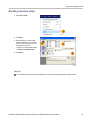
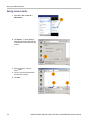
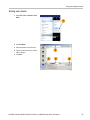
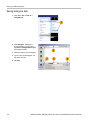
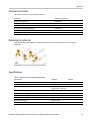
Display a waveform
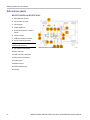
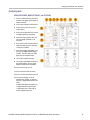
Hide waveforms in the zoomed window
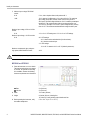
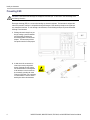
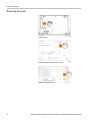
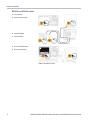
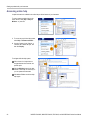
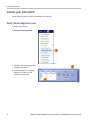
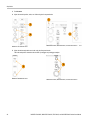
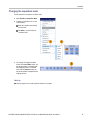
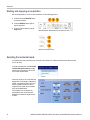
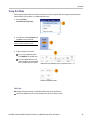
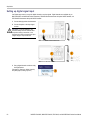
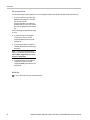
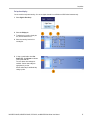
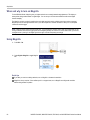
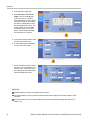
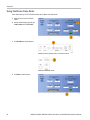
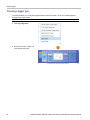
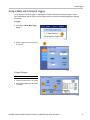
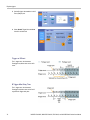
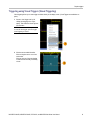
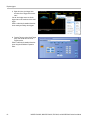
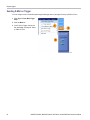
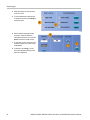
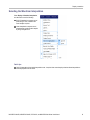
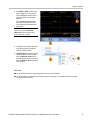
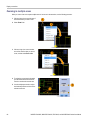
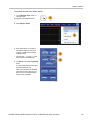
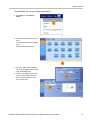
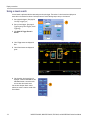
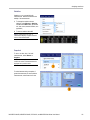
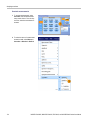
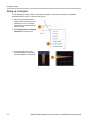
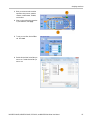
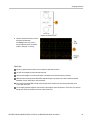
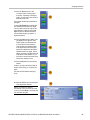
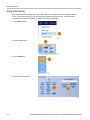
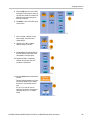
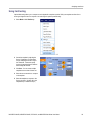
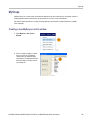
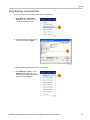
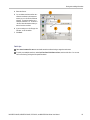
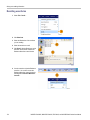
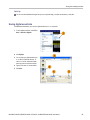
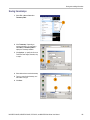
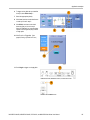
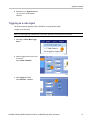
1. To hide or view waveforms, select Zoom
Setup... from either the Vertical or
Horiz/Acq menu.
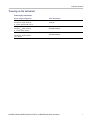
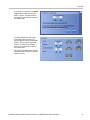
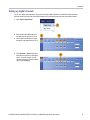
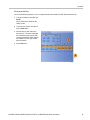
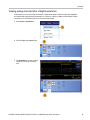
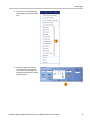
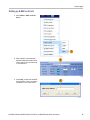
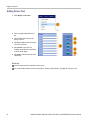
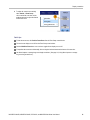
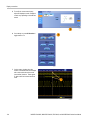
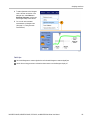
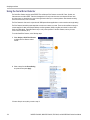
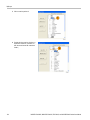
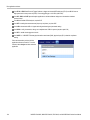
2. Select a Zoom tab, and then press
Show/Hide Waveforms.
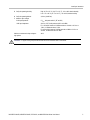
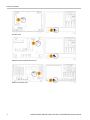
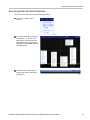
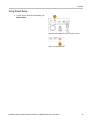
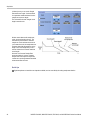
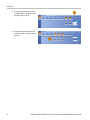
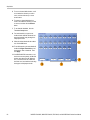
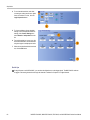
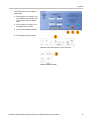
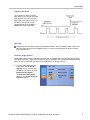
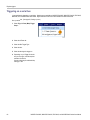
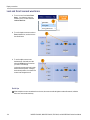
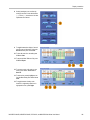
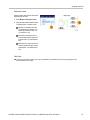
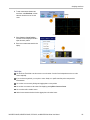
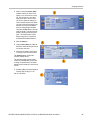
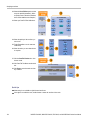
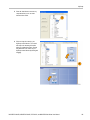
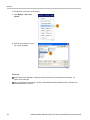
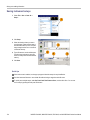
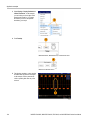
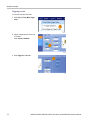
3. Select the zoomed area that contains
the waveform you want to show or hide.
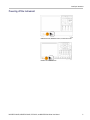
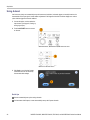
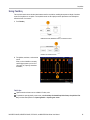
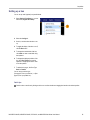
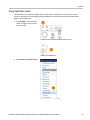
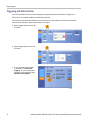
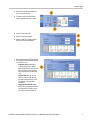
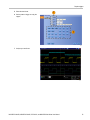
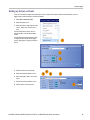
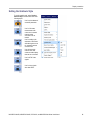
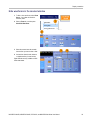
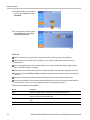
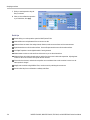
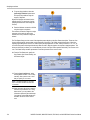
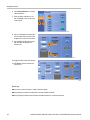
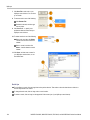
4. Uncheck the channel, math, reference,
or digital waveform you want to hide.
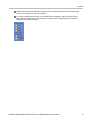
Digital channels are only available on MSO
Series instruments.
MSO/DPO70000DX, MSO/DPO70000C, DPO7000C, and MSO/DPO5000 Series User Manual
101