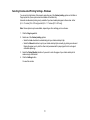
1
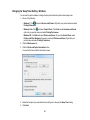
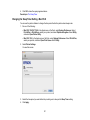
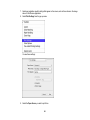
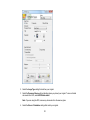
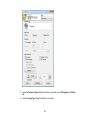
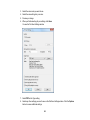
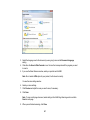
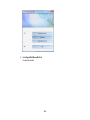
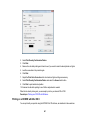
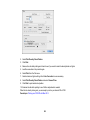
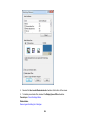
2. Select your product with the FAX option as the printer.
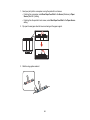
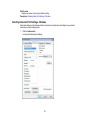
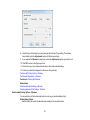
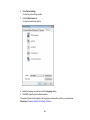
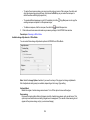
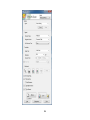
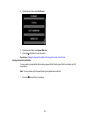
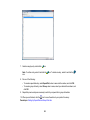
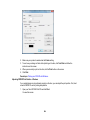
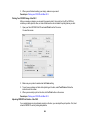
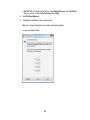
3. To change the Paper Size, Orientation, Color, Image Quality, or Character Density settings, click the
Preferences or Properties button.
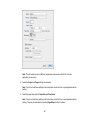
Note: If you see a Setup, Printer, or Options button, click it. Then click Preferences or Properties
on the next screen. For more information about selecting fax print settings, click Help.
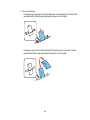
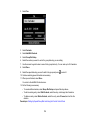
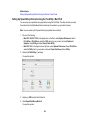
4. Select the Page Range as necessary. (Leave the Number of copies set to 1.)
5. Click Print.
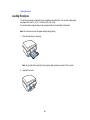
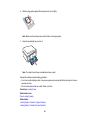
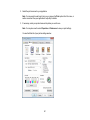
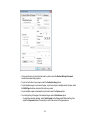
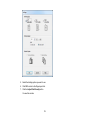
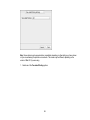
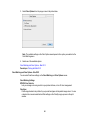
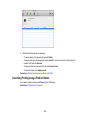
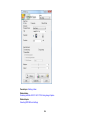
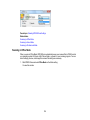
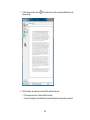
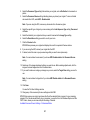
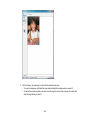
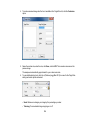
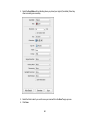
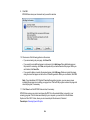
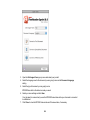
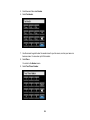
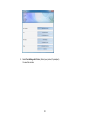
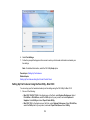
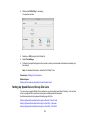
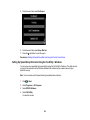
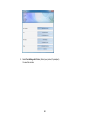
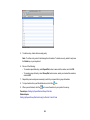
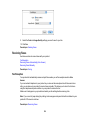
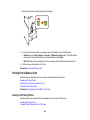
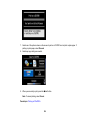
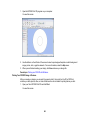
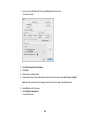
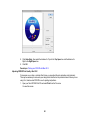
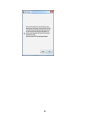
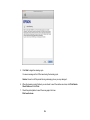
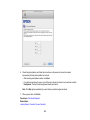
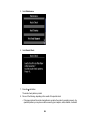
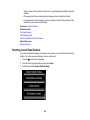
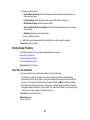
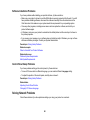
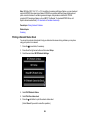
If you’re faxing for the first time, you see a window like this one:
195