1
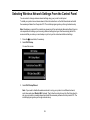
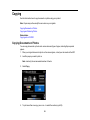
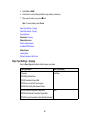
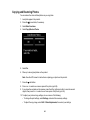
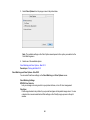
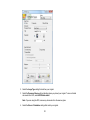
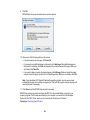
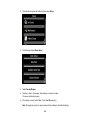
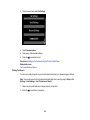
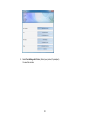
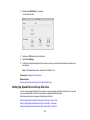
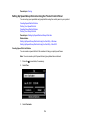
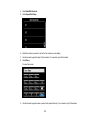
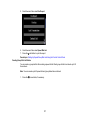
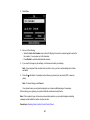
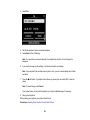
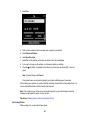
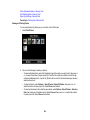
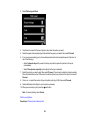
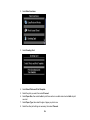
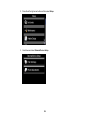
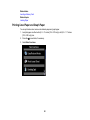
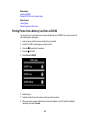
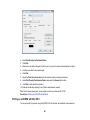
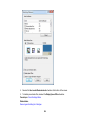
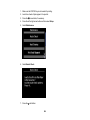
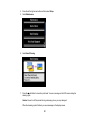
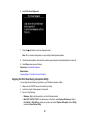
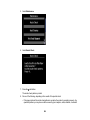
3. Select Fax.
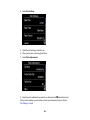
4. Do one of the following:
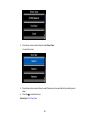
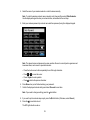
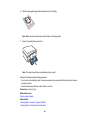
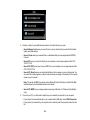
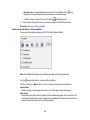
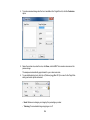
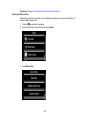
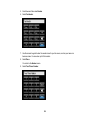
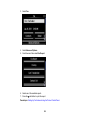
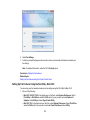
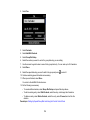
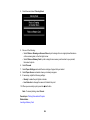
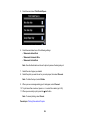
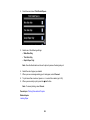
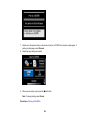
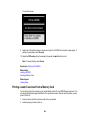
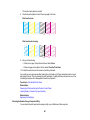
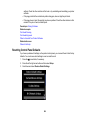
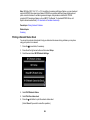
• Select the Enter Fax Number area on the LCD display, then use the numeric keypad to enter the
fax number. You can enter up to 64 characters.
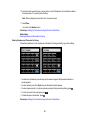
• Press Redial to redial the last dialed fax number.
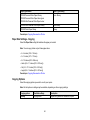
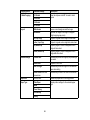
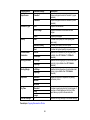
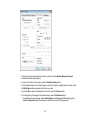
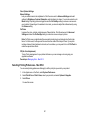
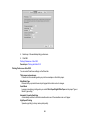
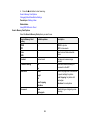
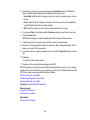
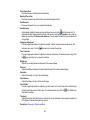
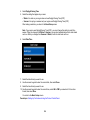
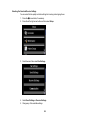
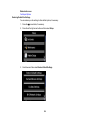
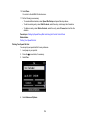
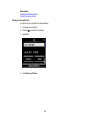
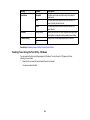
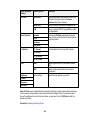
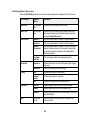
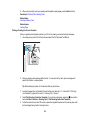
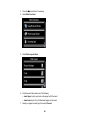
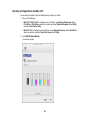
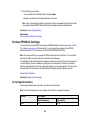
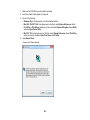
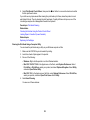
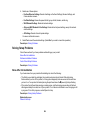
5. If you need to change any fax settings, scroll down and select your settings.
Note: If your recipient's fax machine does not print in color, your fax is automatically sent in blackand-white.
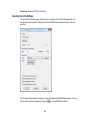
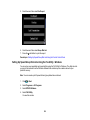
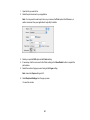
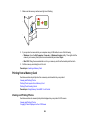
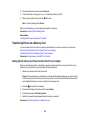
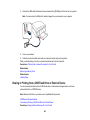
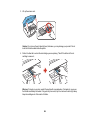
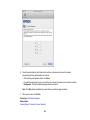
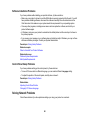
6. Press the
glass).
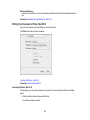
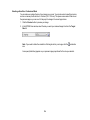
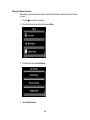
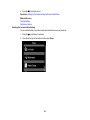
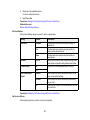
start button. If prompted, select where you placed your document (ADF or scanner
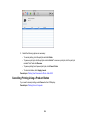
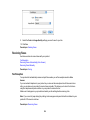
Note: To cancel faxing, select Cancel.
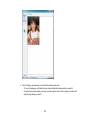
Your product scans your original and prompts you to place additional pages, if necessary.
After scanning your originals, your product dials the number and sends the fax.
Note: If the number is busy or there is a communication problem, your product displays a redialing
message and will redial the number in a few minutes.
Parent topic: Sending Faxes from the Product Control Panel
187