1
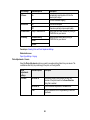
If your phone line includes voice mail answering services, calls or faxes may be inadvertently received
by your voice mail service.
Parent topic: Solving Faxing Problems
Related tasks
Connecting a Telephone or Answering Machine
Receiving Faxes Automatically (Auto Answer)
Selecting Fax Communication Settings
Printing Fax Reports
Related topics
Loading Paper
Cannot Receive Faxes with a Telephone Connected to Your Product
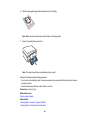
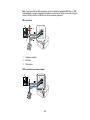
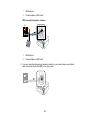
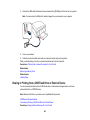
Make sure your telephone is connected to your product's EXT port.
Note: When answering a call that is a fax, wait until the product's LCD screen displays a message that a
connection has been made before you hang up.
Parent topic: Solving Faxing Problems
Related tasks
Connecting a Telephone or Answering Machine
When to Uninstall Your Product Software
If you have a problem that requires you to uninstall and re-install your software, follow the instructions for
your operating system.
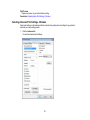
Uninstalling Product Software - Windows
Uninstalling Product Software - Mac OS X
Parent topic: Solving Problems
Uninstalling Product Software - Windows
You can uninstall and then re-install your product software to solve certain problems.
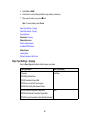
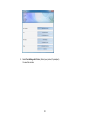
1. Turn off the product.
2. Disconnect any interface cables.
326