1
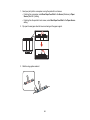
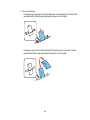
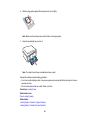
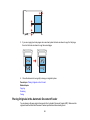
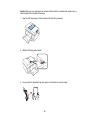
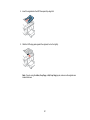
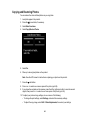
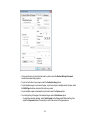
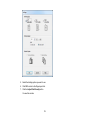
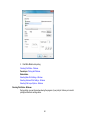
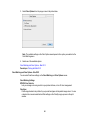
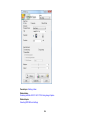
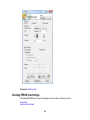
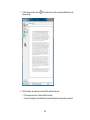
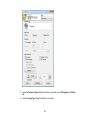
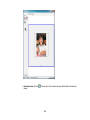
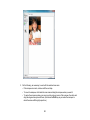
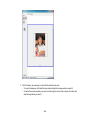
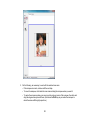
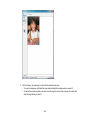
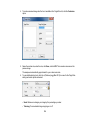
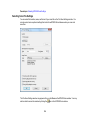
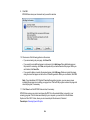
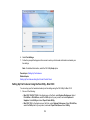
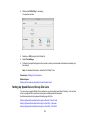
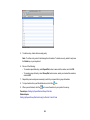
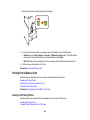
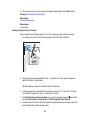
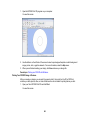
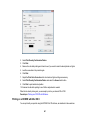
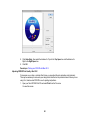
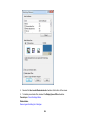
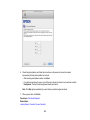
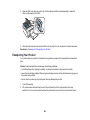
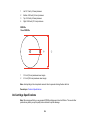
3. Do the following, as necessary, to work with the selected scan area:
• To move the marquee, click inside the scan area and drag the marquee where you want it.
• To resize the scan area, place your cursor over the edge or corner of the marquee, then click and
drag the edge where you want it.
135