1
169
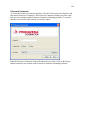
Primavera Contractor
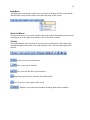
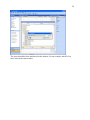
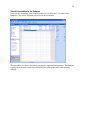
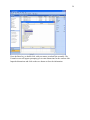
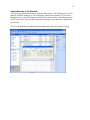
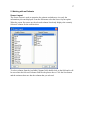
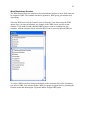
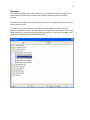
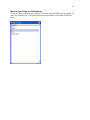
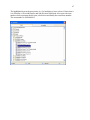
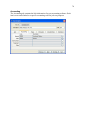
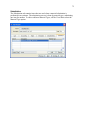
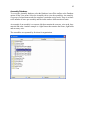
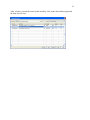
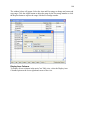
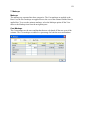
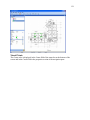
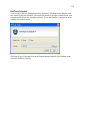
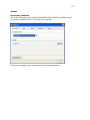
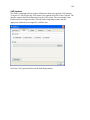
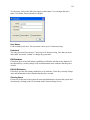
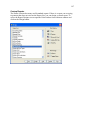
To access the Primavera Contractor interface, from the Tools menu select Interface and
then choose Primavera Contractor. The Primavera Contractor interface provides a link
between your estimate and the Primavera Contractor scheduling software. To use this
interface you must be in the estimate you want to export.
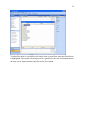
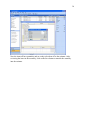
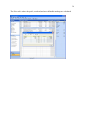
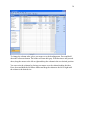
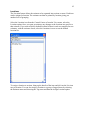
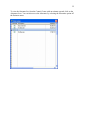
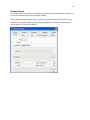
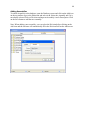
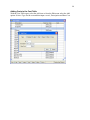
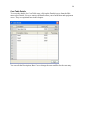
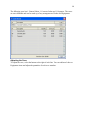
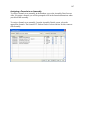
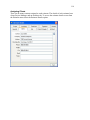
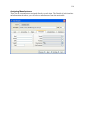
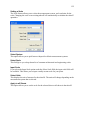
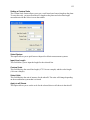
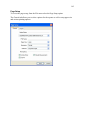
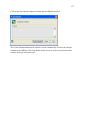
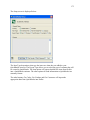
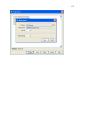
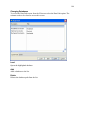
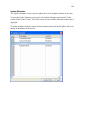
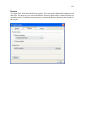
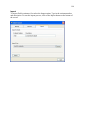
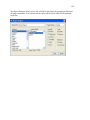
Input the Primavera Contractor Project ID and the Project Units. Click on the Export
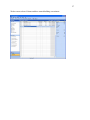
button to transfer your estimate to the Primavera Contractor scheduling software.