1
The Email application aallows you to access an external POP3 or IMAP email account provider such as
Yahoo, Gmail and 163
Note: Before setting up your email, please ensure that you are connected to wifi. If you do not
already know your email settings (POP3, IMAP, etc) you can obtain them from your email provider.
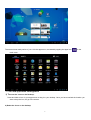
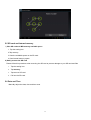
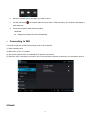
1. Tap the Email app.
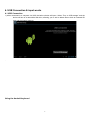
2. An email setting guide to help you get your account set up,
3. Enter your email account address and paaword.
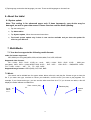
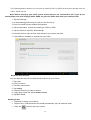
4. Tap the next button, choose your email type; POP3 or IMAP.
5. Tap next button to check the email settings.
6. Enter the account name and the email sender’s (your) name, tap finish.
7. If the mailbox is available, it will enter into your inbox.
Delete an email account
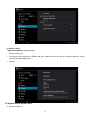
You can delete the set POP3 or IMAP email account from your Device.
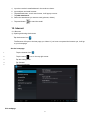
1. Tap email.
2. Enter your inbox.
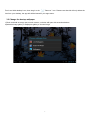
3. Touch the menu button.
4. Tap setting.
5. select the account you wish to remove.
5. It will popup a menu list, select delete account.
6. Tap Ok to delete.
Sending E-mail
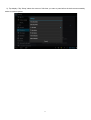
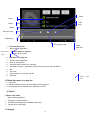
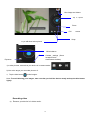
1.Tap Email to display your mail box.
2.Tap the inbox, it will refresh the new emails automatically; tap it to read new email.
3.Touch the
button at the top of screen.
20