1
4 Installing an ODU
AIM User’s Manual
Task B. Coarse Azimuth Adjustment
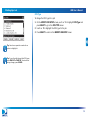
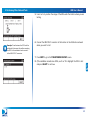
To perform the coarse azimuth adjustment:
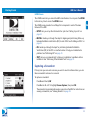
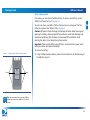
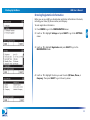
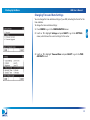
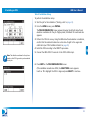
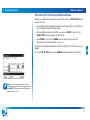
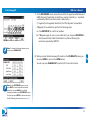
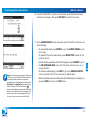
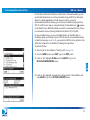
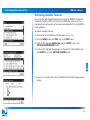
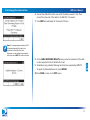
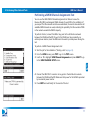
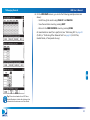
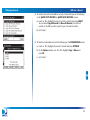
1 While monitoring the signal power bar on the COARSE AZ & EL ADJ screen,
rotate the ODU on the mast in the azimuth direction until the maximum signal
power is reached.
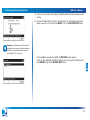
2 Lock down the mounting bracket collar on the mast.
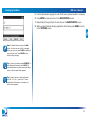
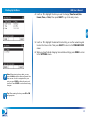
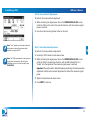
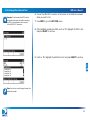
Note: “Lock” appears on the screen when the
signal power is above the minimum level
required to supply the IRD.
Task C. Coarse Elevation Adjustment
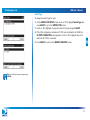
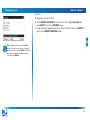
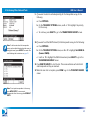
To perform the coarse elevation adjustment:
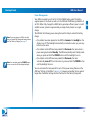
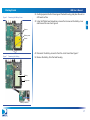
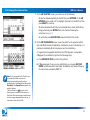
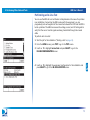
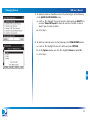
1 Loosen the ODU’s elevation lock-down screws.
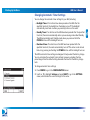
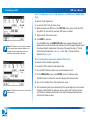
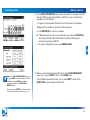
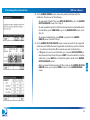
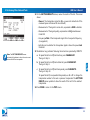
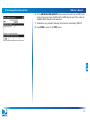
Note: The PEAK measurement is the maximum
signal power achieved thus far during the
installation process. To clear the peak, press
CLEAR PEAK.
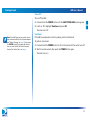
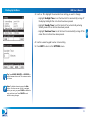
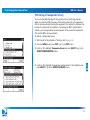
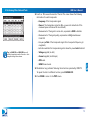
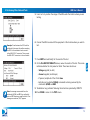
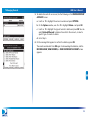
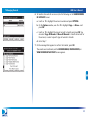
2 While monitoring the signal power bar on the COARSE AZ & EL ADJ screen,
rotate the ODU in the elevation direction until the AIM indicates that it is
“locked” onto the signal and the maximum signal power is reached.
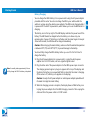
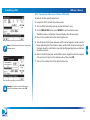
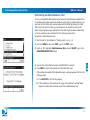
Important: You might need to alternate between performing the coarse elevation
adjustment and the coarse azimuth adjustment to achieve the maximum signal
power.
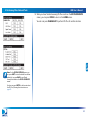
3 Tighten the elevation lock-down screws.
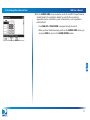
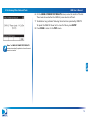
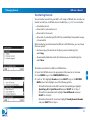
4 Press NEXT to continue.
42