1
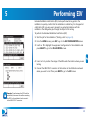
6 Performing Other Network Tests
AIM User’s Manual
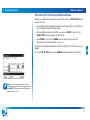
Performing an In-Line Test
You can use the AIM’s In-Line test feature to help determine the cause of a problem
in an installation. Connecting the AIM in series with the equipment, you can
progressively test each segment of the connection between the ODU and the IRD to
locate a problem. The AIM can measure the voltage, current, and 22 kHz signals to
verify that the correct control signals are being transmitted through the coaxial
cable.
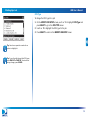
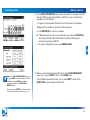
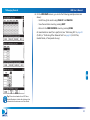
To perform an In-Line test:
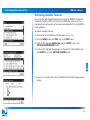
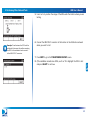
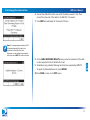
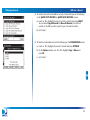
1 Start the job for the installation (“Starting a Job” on page 33).
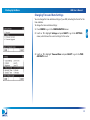
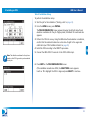
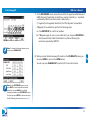
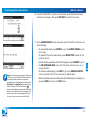
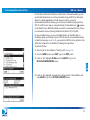
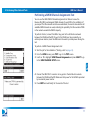
2 From the HOME screen, press TEST to go to the TEST screen.
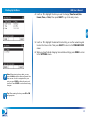
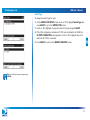
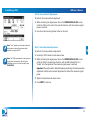
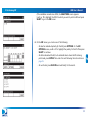
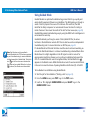
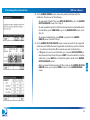
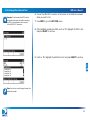
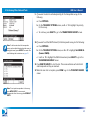
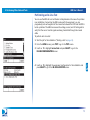
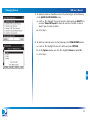
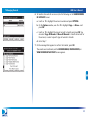
3 Use c or d to highlight In-Line Test and press SELECT to go to the
IN-LINE CONFIGURATION screen.
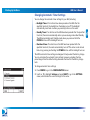
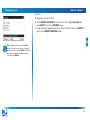
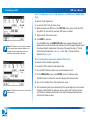
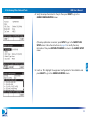
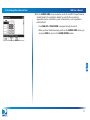
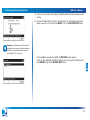
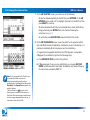
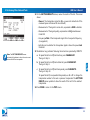
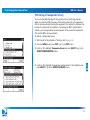
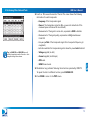
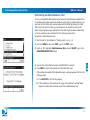
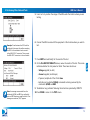
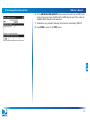
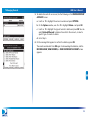
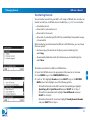
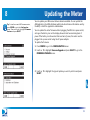
4 Use c or d to highlight the equipment configuration for the installation and
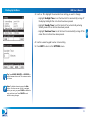
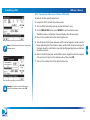
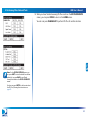
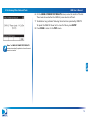
press SELECT to go to the IN-LINE LOCATION screen.
73