1
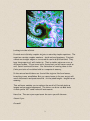
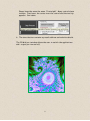
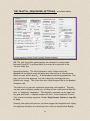
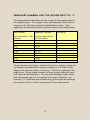
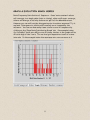
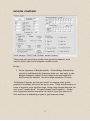
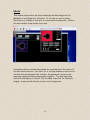
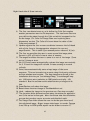
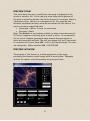
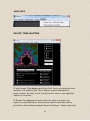
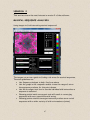
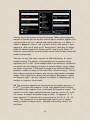
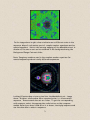
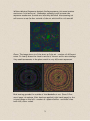
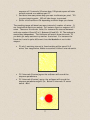
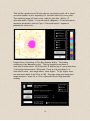
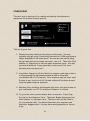
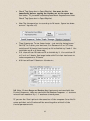
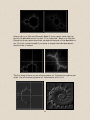
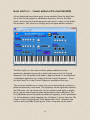
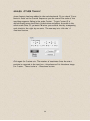
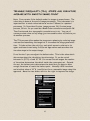
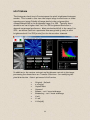
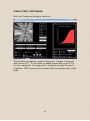
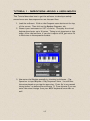
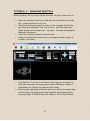
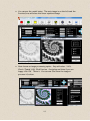
See the key on the preview form previous page. When musical sequence
analysis is checked you can see how colours map to numbers. Applies if all
contrast sliders set to 2 = default and smooth slider set to 1. White = 0.
Yellow=1, Magenta 2, Cyan 3, red 4, green 5, blue 6, dark yellow 7, dark
magenta 8, dark cyan 9, dark red 10, dark green 11, dark blue 12, darker
yellow 13, darker magenta 14, darker cyan 15, dark grey 16, Black >=17.
However if you move the contrast sliders on the form the key colours will
update automatically.
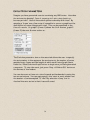
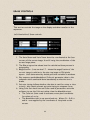
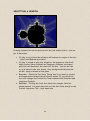
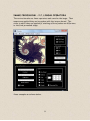
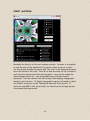
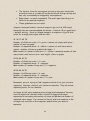
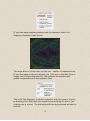
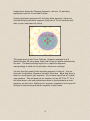
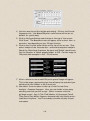
The user can vary the colour contrast for RGB individually. 0= colour
channel invisible. The number of notes analysed in a sequence can be
adjusted from 1 to 100. As this analysis has to do millions of calculations
you need to let the computer process for several minutes. Larger values
are slower to process. A 256 pixel sq. image on my netbook takes 6 1/2
minutes to render an image for 10 notes. Only 1 minute on my pc. This is
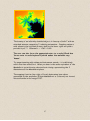
where the preview option helps to save time by using smaller/resampled
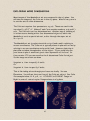
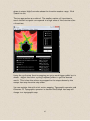
images. Click on play on the draw form and explore. Remember to select
the sequence type – real only, real part of complex or imaginary part of
complex on composer form as well.
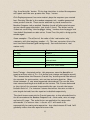
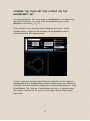
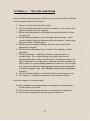
NB. The notes are mapped from the fractal series number sequence +-0
to 10126 (i) to midi note numbers 1 to 128, using sophisticated routines
controlled by the composer form controls and the sequencer engine. The
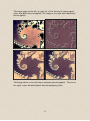
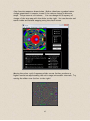
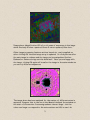
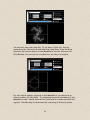
‘smooth 1x to 10x’ slider multiplies the note range by a factor of 1 to 10.
1 is normal. 5 means 5 notes now occupy a colour. So magenta = 2 – 3
notes smooth of 1 = default value, is now notes 5 x 2 to 5 x 3 = 10 – 15
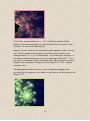
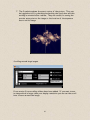
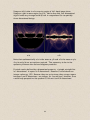
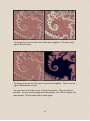
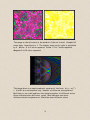
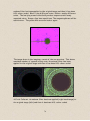
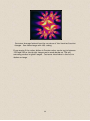
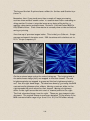
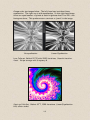
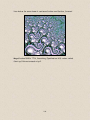
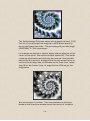
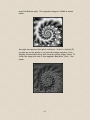
notes. This can smooth out a speckled image (which occur in chaotic
areas) to make the image clearer. Normally a smoothing value of 2 is
sufficient.
69