1
5
Details
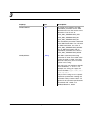
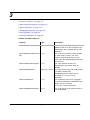
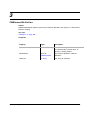
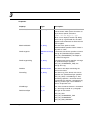
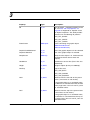
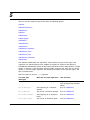
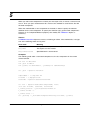
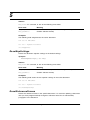
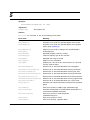
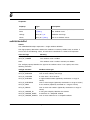
This method is equivalent to using the Compare dialog box in FrameMaker. To make the
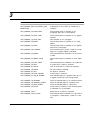
various settings for the compare operation, you can logically OR the following values in the
Flags argument:
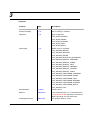
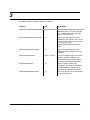
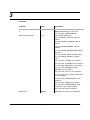
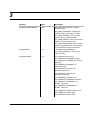
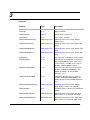
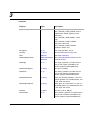
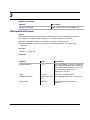
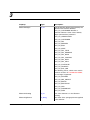
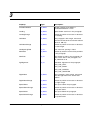
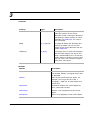
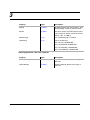
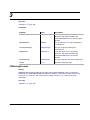
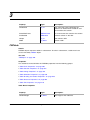
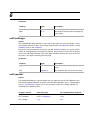
flags constant
Meaning
mFF_CMP_SUMMARY_ONLY
Generate a summary document, but not a composite document
mFF_CMP_CHANGE_BARS
Turn on change bars in the composite document
mFF_CMP_HYPERLINKS
Put hypertext links in the summary document
mFF_CMP_SUMKIT
Open the summary document
mFF_CMP_COMPKIT
Open the composite document
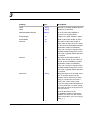
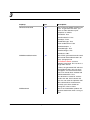
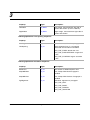
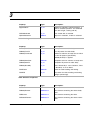
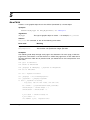
Returns
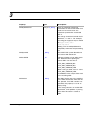
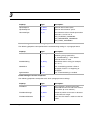
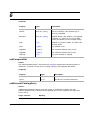
A udtCompareRet data object. The members of this data object are compId and sumId—
object IDs for the comparison document and summary document, respectively. If you are
comparing books, compId is always 0.
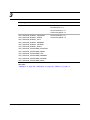
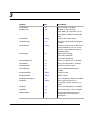
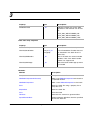
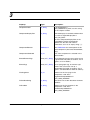
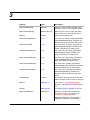
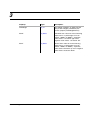
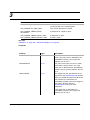
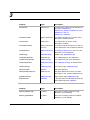
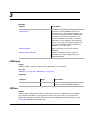
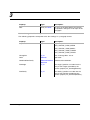
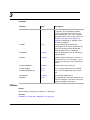
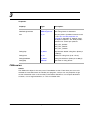
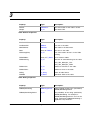
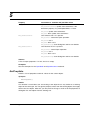
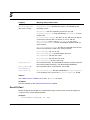
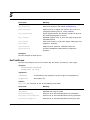
If Compare fails,it assigns of the following error codes to FA_Errno:
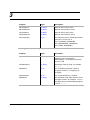
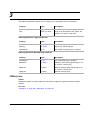
Error code
Meaning
mFE_BadCompare
olderId and newerId don’t specify the same types of files.
mFE_CompareTypes
One of the files isn’t a FrameMaker product document or book or
one file is a book and the other is a document.
mFE_WrongProduct
Current FrameMaker product doesn’t support the operation.
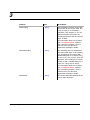
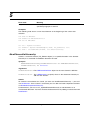
Examples
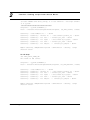
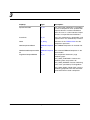
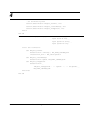
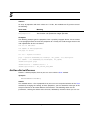
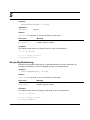
The following code opens two documents and compares them.
Dim oOldDoc As FMDocument, oNewDoc As FMDocument
Set oOldDoc = mySession.SimpleOpenDocument("C:\Temp\Test1.fm", 0)
Set oNewDoc = mySession.SimpleOpenDocument("C:\Temp\Test2.fm", 0)
oNewDoc.Compare oOldDoc, mFF_CMP_COMPKIT, "Inserted", "Deleted", "Replace", 75
Copy
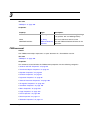
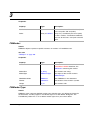
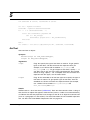
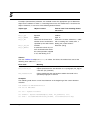
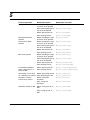
Copies the current selection to the FrameMaker product Clipboard.
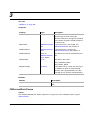
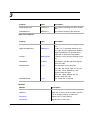
Synopsis
Method Synopsis.
Version 1.5
FrameAC Programmer’s Guide
253