1
5
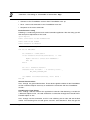
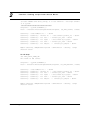
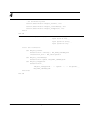
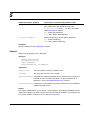
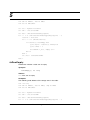
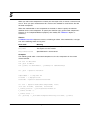
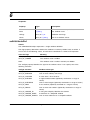
Set oDoc = mySession.ActiveDoc
f_tRange = oDoc.TextSelection
oDoc.PushClipboard
oDoc.Copy (0)
f_tRange.end = f_tRange.beg
oDoc.TextSelection = f_tRange
oDoc.Paste (0)
oDoc.PopClipboard
Redisplay
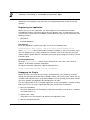
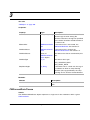
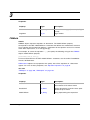
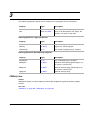
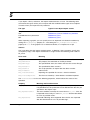
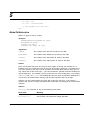
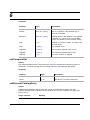
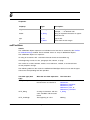
Updates the display for a specific document to reflect any changes that occurred while the
session’s Displaying property was set to False. If you have set Displaying to False and
subsequently reset it to True, you should call this method to redisplay each document you
modified.
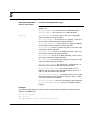
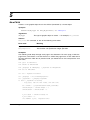
Synopsis
Redisplay() As Long
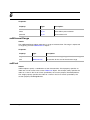
Returns
mFE_Success
if it succeeds,:
Examples
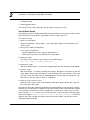
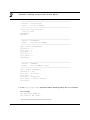
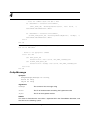
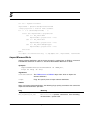
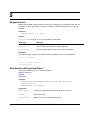
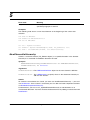
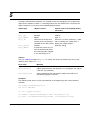
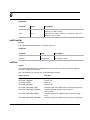
The following code turns off displaying for the session, then turns it on again. Then it loops
through all open documents in the session and redisplays them..
Dim oDoc As FMDocument
mySession.Displaying = False
'*******************************************
' Perform display-intensive processing here.
' Then reset displaying & redisplay all docs.
'*******************************************
mySession.Displaying = True
Set oDoc = mySession.FirstOpenDoc
Do Until oDoc Is Nothing
oDoc.Redisplay
Set oDoc = oDoc.NextOpenDocInSession
Loop
Version 1.5
FrameAC Programmer’s Guide
357