1
5
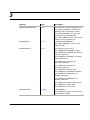
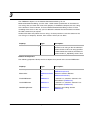
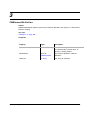
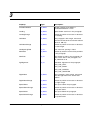
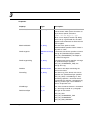
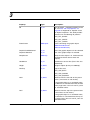
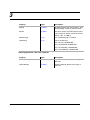
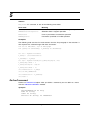
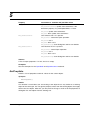
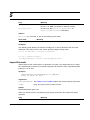
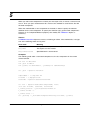
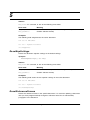
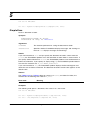
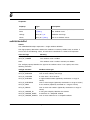
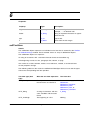
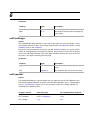
Returns
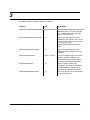
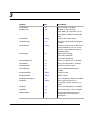
mFE_Success
if it succeeds, or one of the following error codes:
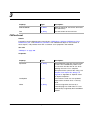
Error code
Meaning
mFE_WrongProduct
Current FrameMaker product doesn’t support this operation
mFE_SystemError
Couldn’t allocate memory
Examples
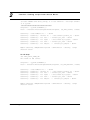
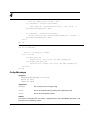
The following code rehyphenates the active document.
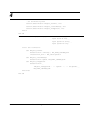
Dim oDoc As FMDocument
Set oDoc = mySession.ActiveDoc
oDoc.Rehyphenate
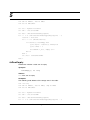
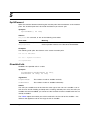
ResetEqnSettings
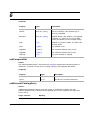
Resets the document equation settings to the default settings.
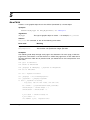
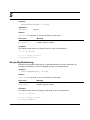
Synopsis
ResetEqnSettings() As Long
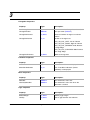
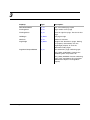
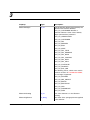
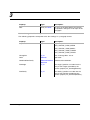
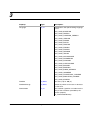
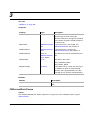
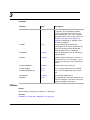
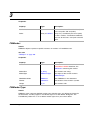
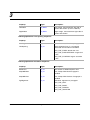
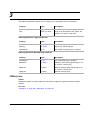
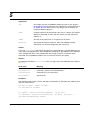
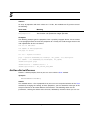
Returns
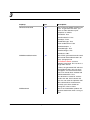
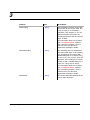
mFE_Success
if it succeeds, or one of the following error codes:
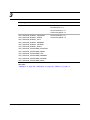
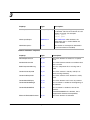
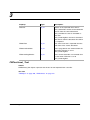
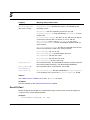
Error code
Meaning
mFE_WrongProduct
Current FrameMaker product doesn’t support this operation
mFE_SystemError
Couldn’t allocate memory
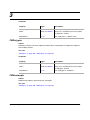
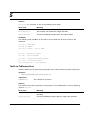
Examples
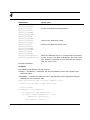
The following code resets the the equation settings in the active document.
Dim oDoc As FMDocument
Set oDoc = mySession.ActiveDoc
oDoc.ResetEqnSettings
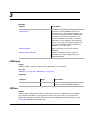
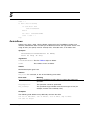
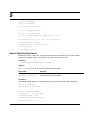
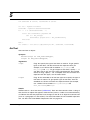
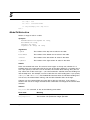
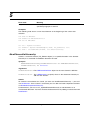
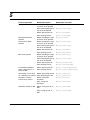
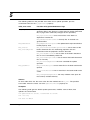
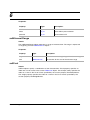
ResetReferenceFrames
Resets the reference frames in the specific document. It is useful for updating a document
after you have programmatically changed a reference frame that is referenced by
paragraphs in the document.
Version 1.5
FrameAC Programmer’s Guide
359