1
5
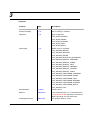
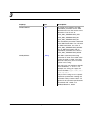
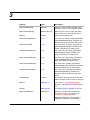
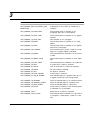
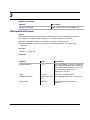
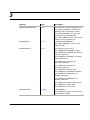
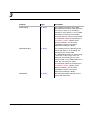
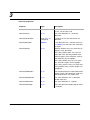
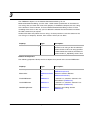
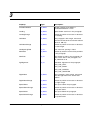
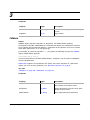
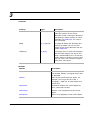
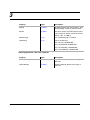
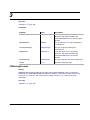
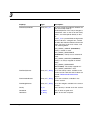
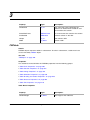
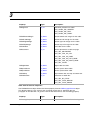
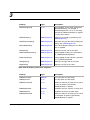
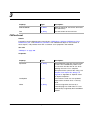
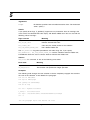
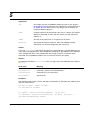
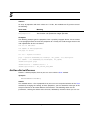
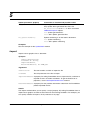
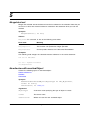
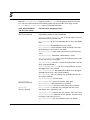
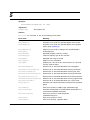
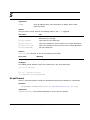
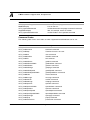
Arguments
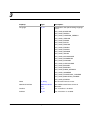
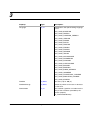
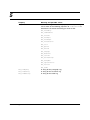
ObjectType
A constant value specifying the type of object to create
TextLocation
Where to insert the new anchored object
Details
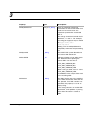
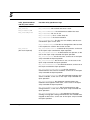
This method inserts the object at the specified location in text. It uses arbitrary default
properties for the new object. After you have created the object, you can then change its
properties.
Tables created by this method have a single column and a single body row. It is usually
easier to create new tables via the NewTable method.
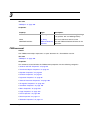
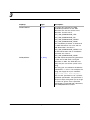
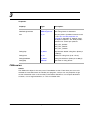
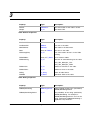
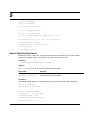
Returns
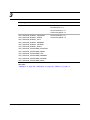
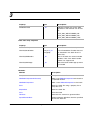
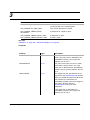
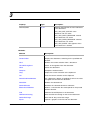
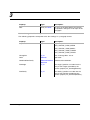
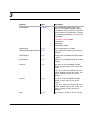
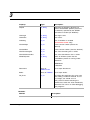
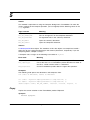
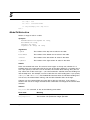
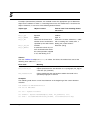
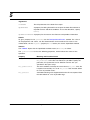
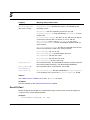
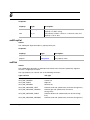
The inserted object if it succeeds, or Nothing on failure. If the method fails, it sets one of
the following error codes to mFA_errno:
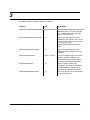
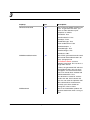
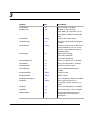
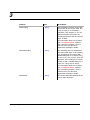
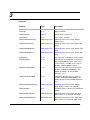
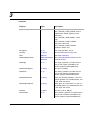
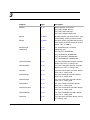
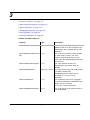
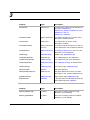
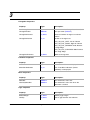
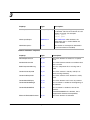
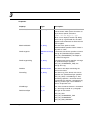
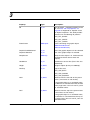
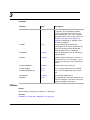
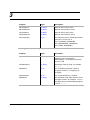
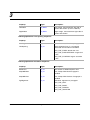
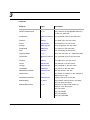
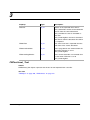
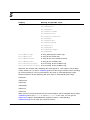
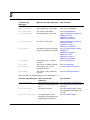
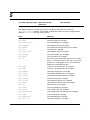
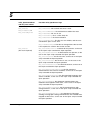
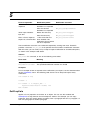
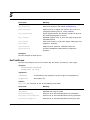
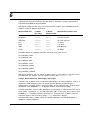
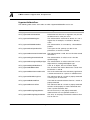
Error code
Meaning
mFE_NotTextObject
Object specified for text location is not a paragraph (mFO_Pgf)
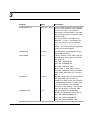
mFE_OffsetNotFound
Offset specified for the text location couldn’t be found in the
specified paragraph or text line
mFE_BadOperation
The function call specified an illegal operation
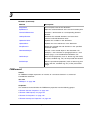
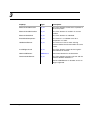
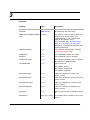
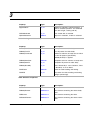
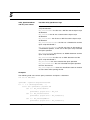
Examples
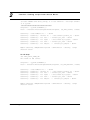
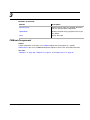
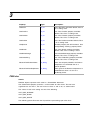
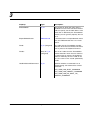
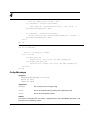
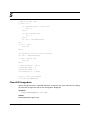
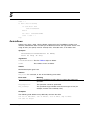
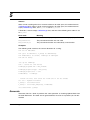
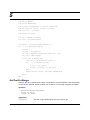
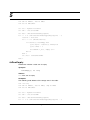
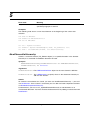
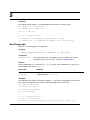
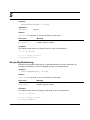
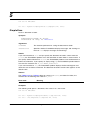
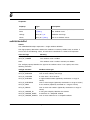
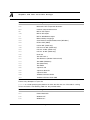
The following code inserts an anchored frame at the beginning of the current text selection
of the active document.
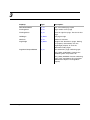
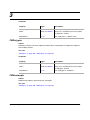
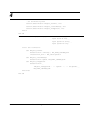
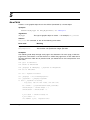
Dim oDoc As FMDocument
Set oDoc = mySession.ActiveDoc
oDoc.NewAnchoredObject mFO_AnchoredFrame, oDoc.TextSelection.beg
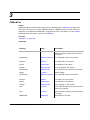
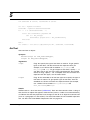
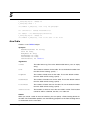
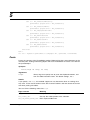
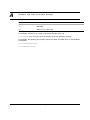
NewBodyPage
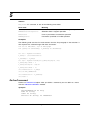
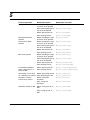
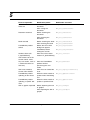
Method Short description.
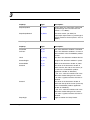
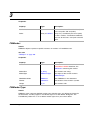
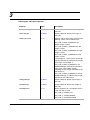
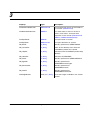
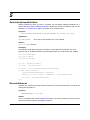
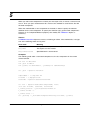
Synopsis
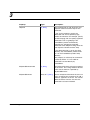
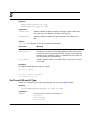
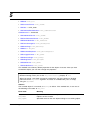
NewBodyPage(PreviousPage As FMBodyPage) As FMBodyPage
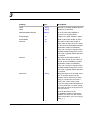
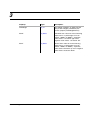
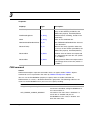
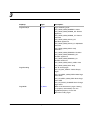
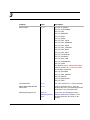
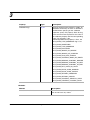
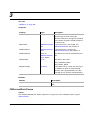
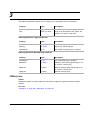
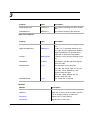
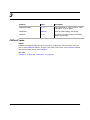
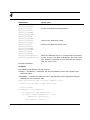
Arguments
PreviousPage
Version 1.5
The body page that your new page will come after. To insert a body
page as the first page in the document, specify Nothing.
FrameAC Programmer’s Guide
323