1
Appendix C: Add a Mathematical Expression or Formula
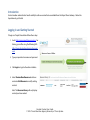
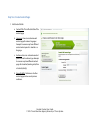
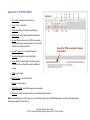
Open WIRIS Editor
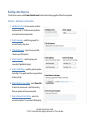
1. Click on WIRIS Editor.
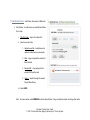
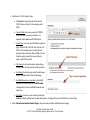
2. Use the WIRIS functions to add complex math
symbols, equations and expressions.
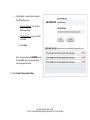
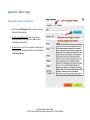
3. For Help, click on the ? button. The following
URLs are particularly helpful:
a. WIRIS User Manual: http://www.wiris.com/
en/editor/docs/manual
b. How to typeset symbols: http://
www.wiris.com/editor3/docs/manual
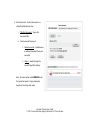
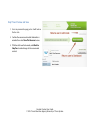
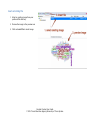
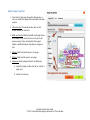
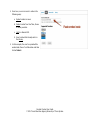
4. Once satisfied with the formula, click on Accept
to insert the formula into the body content.
Content Creator User Guide
© 2012 Texas Education Agency/University of Texas System