1
Interface.fm
User Interface
Views
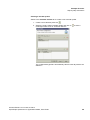
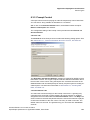
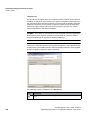
Creating a new prompt
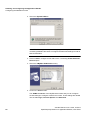
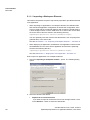
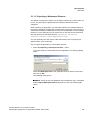
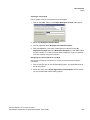
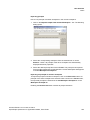
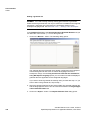
How to create a new announcement for the workspace:
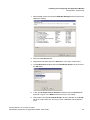
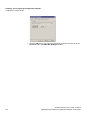
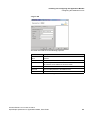
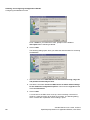
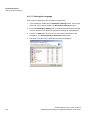
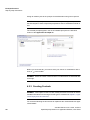
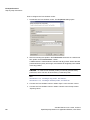
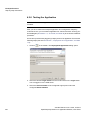
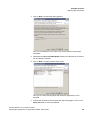
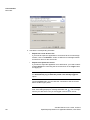
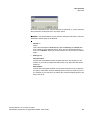
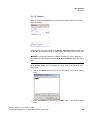
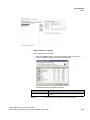
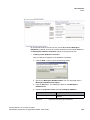
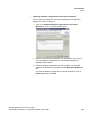
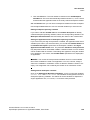
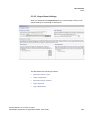
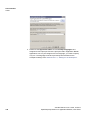
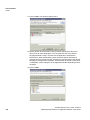
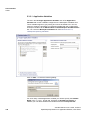
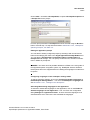
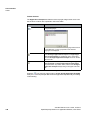
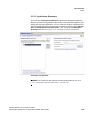
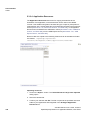
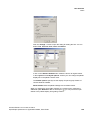
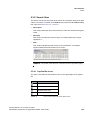
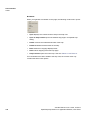
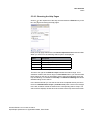
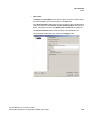
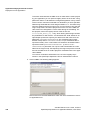
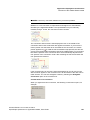
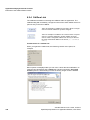
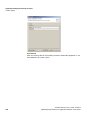
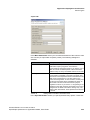
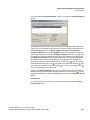
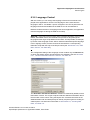
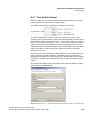
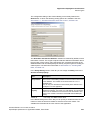
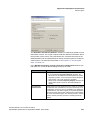
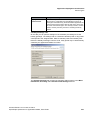
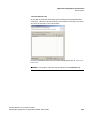
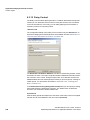
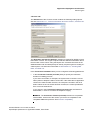
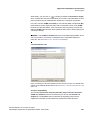
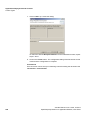
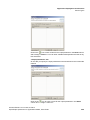
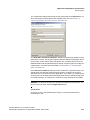
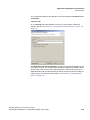
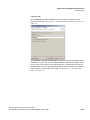
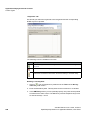
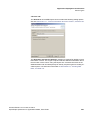
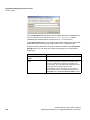
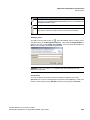
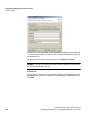
1. Click on the Add... button. The Create Workspace Prompt dialog opens.
2. Define the Workspace Prompt Name.
3. You can optionally enter Workspace Prompt Description .
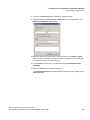
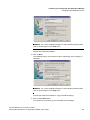
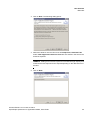
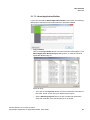
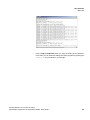
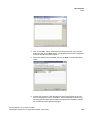
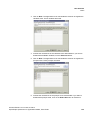
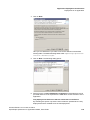
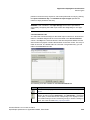
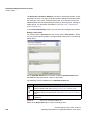
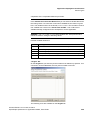
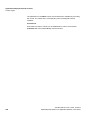
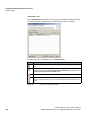
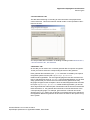
4. Click the OK button. The newly created prompt is itemized in the All
Workspace Prompts list on the Workspace Prompts tab. This newly added
prompt is empty, i.e. no sound file has been assigned to it yet or it still does
not have a text for using text-to-speech.
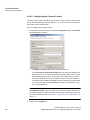
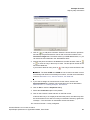
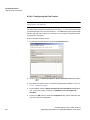
Assigning an announcement to a prompt
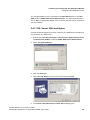
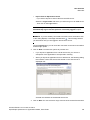
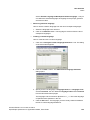
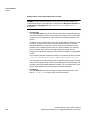
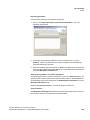
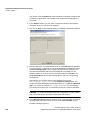
How to link a prompt to a sound file or to enter a text for the text-to-speech
conversion:
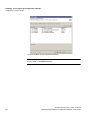
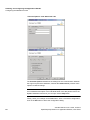
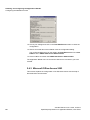
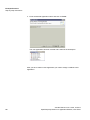
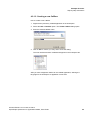
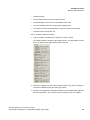
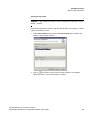
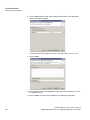
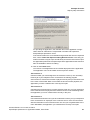
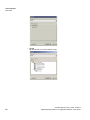
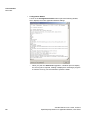
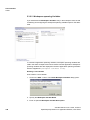
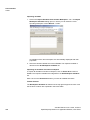
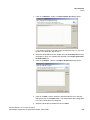
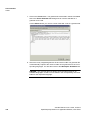
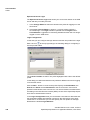
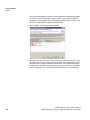
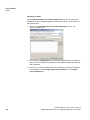
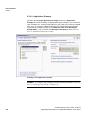
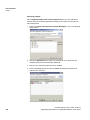
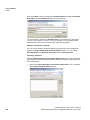
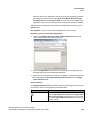
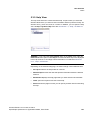
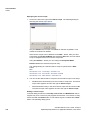
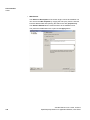
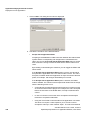
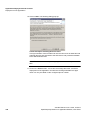
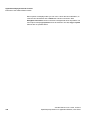
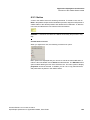
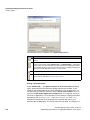
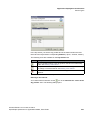
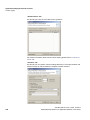
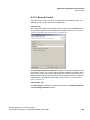
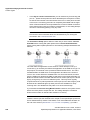
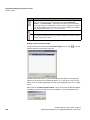
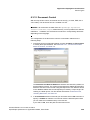
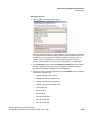
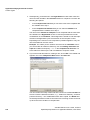
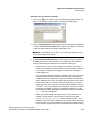
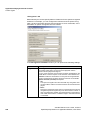
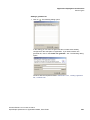
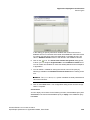
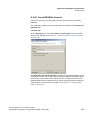
1. Click on the plus sign of the corresponding prompt. The application alias of
this prompt opens.
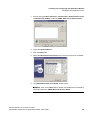
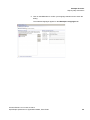
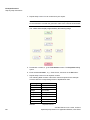
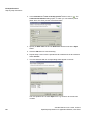
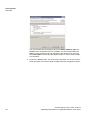
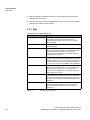
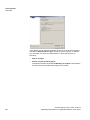
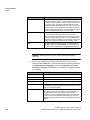
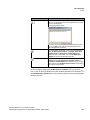
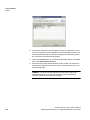
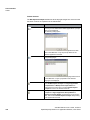
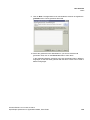
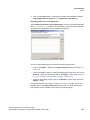
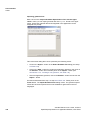
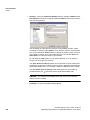
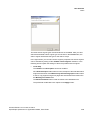
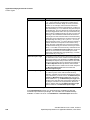
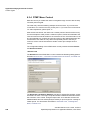
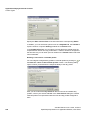
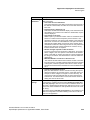
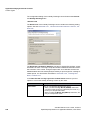
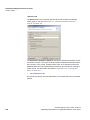
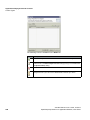
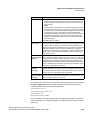
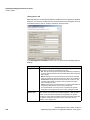
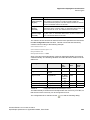
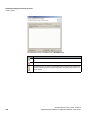
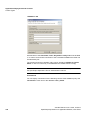
2. Select this entry. In the Vogue Application Prompt Details area of the tab
you are provided with further setting options.
A31003-S2370-U119-4-7619, 01/2014
OpenScape Xpressions V7 Application Builder, User Guide
113