1
Project Default User Manual
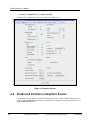
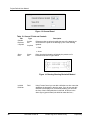
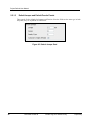
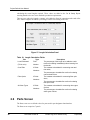
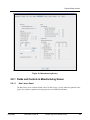
Figure 2: Administration Screen
The Administration screen covers the defaults for general items affecting the entire project. At
the top of the screen are the tabs to access the other nine Project Default screens.
This section explains the fields in each of the panels as they are displayed on the screen.
2.2.1 Fields and Controls in Administration Screen
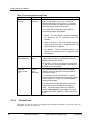
The Administration screen comprises 6 panels. When you have entered all the defaults in them
that you need to, press the OK button for them to be committed.
2.2.1.1
Small Pin Letter Panel
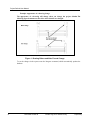
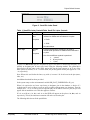
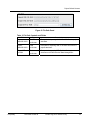
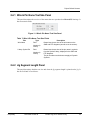
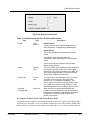
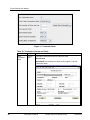
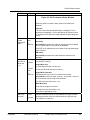
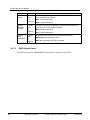
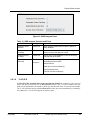
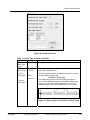
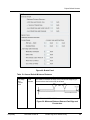
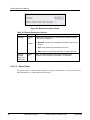
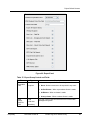
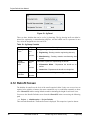
This panel, shown in Figure below, has two combo boxes which enable pins to be designated by
lower case letters. The controls are explained in the following tables.
4
Document Version N
Printed copy is for reference only
Proprietary