1
Device HS Test Procedure for YOKOGAWA DL9240/DL9240L/DL6154
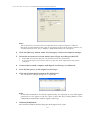
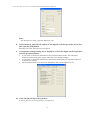
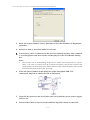
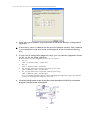
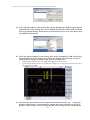
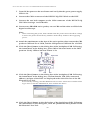
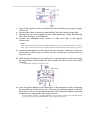
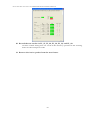
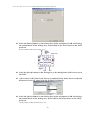
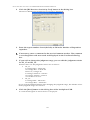
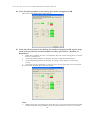
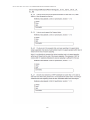
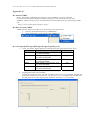
19. Click the [Next] button in the dialog box of the busXplorer-USB. Following
the instructions in the dialog box, click the [STEP] button in the dialog box
of the HS Electrical Test Tool.
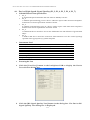
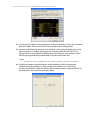
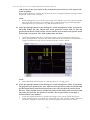
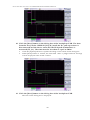
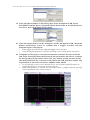
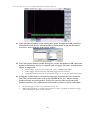
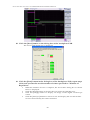
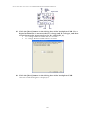
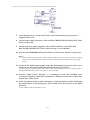
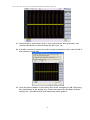
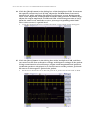
20. Following the instructions in the dialog box, check the digital oscilloscope
screen to confirm its trigger activates and packets from the host and device
are displayed.
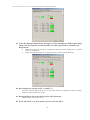
•
•
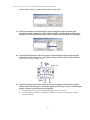
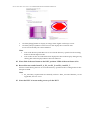
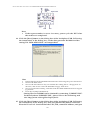
If the trigger does not activate, adjust the trigger level as needed
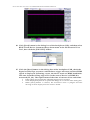
Click the [Update] button to update the image of waveform in the dialog box of
the busXplorer-USB.
25