1
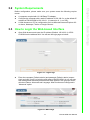
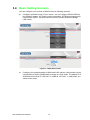
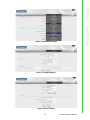
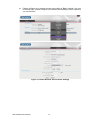
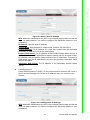
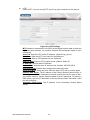
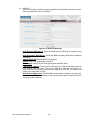
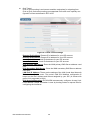
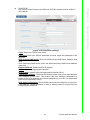
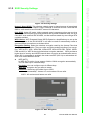
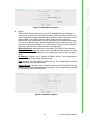
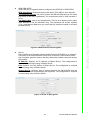
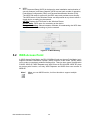
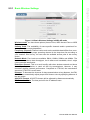
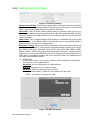
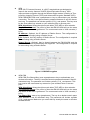
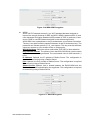
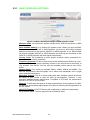
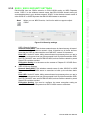
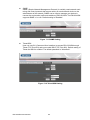
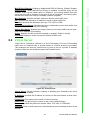
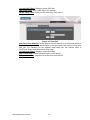
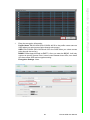
System Time/Zone Current Time: current system time Time Zone: Select the appropriate Time Zone from your location SNTP Server: Choose the NTP Server used for synchronizing time and date. Daylight Saving can also be configured to adjust the time when you use NTP Server. SNTP Synchronization: These queries are performed at designated time intervals (generally about every 15 minutes) in order to maintain the required synchronization accuracy for the network. Chapter 7 Advanced Settings Figure 7.9 System Time Setting DDNS The DDNS feature allows you to host a server (Web, FTP, Game Server, etc…) behind EKI-6310GN using a domain name that you have purchased with your dynamically assigned IP address. Most broadband Internet Service Providers assign dynamic (changing) IP addresses. Using a DDNS service provider, your friends can enter in your domain name to connect to your server no matter what your IP address is. It is useful when you are hosting your own website, FTP server, or other server behind it. Dynamic DNS Provider: Enter the DDNS server address, or select your DDNS service from the drop-down menu Host Name: Enter the Host Name that you registered with your DDNS service provider. User Name: Enter the Username or key for your DDNS account. Password: Enter the Password or key for your DDNS account. Figure 7.10 DDNS Setting 59 EKI-6310GN User Manual