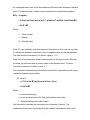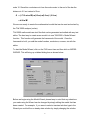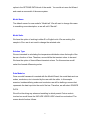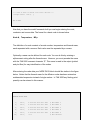
1
option in the OPTIONS DATA block of the model. You would not rerun the Wizard
and create a new model of the same system.
Model Name
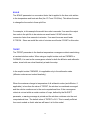
The default name of a new model is “Model.tak”. We will want to change this name
to something more descriptive, so we will call it “Bar.tak”.
Model Units
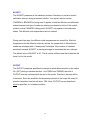
We have the option of working in either SI or English units. We are working this
sample in SI so we do not need to change the selected units.
Solution Type
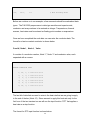
We are interested in calculating the temperature distribution down the length of the
bar as a function of time. Therefore, we would like the transient solver to be used.
We have the option of three different transient solvers. For this exercise we will
select the forward differencing solver.
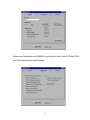
Data Modules
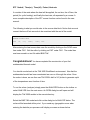
Once a model framework is created with the Model Wizard, the model data such as
nodes, conductors, etc is inserted by the user with the editor. In this sample
exercise, besides defining nodes and conductors we will be defining a source that
represents the heat input into the end of the bar. Therefore, we will select SOURCE
DATA.
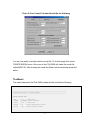
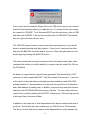
We will not be doing any advanced modeling in which psuedo Fortran code is
involved so we will leave the INCLUDE USER LOGIC check box unchecked. The
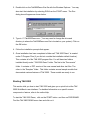
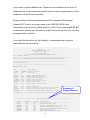
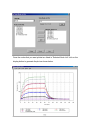
screen should look as follows.
9