1
4.5 Editing Operation Data
4.5.1 Editing Existing Data
Information stored in existing operation data can be edited.
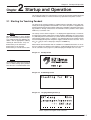
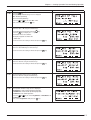
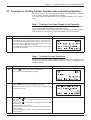
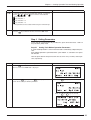
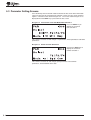
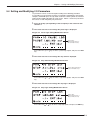
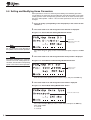
1. Press the F1 key to switch to the first screen of the PRG mode.
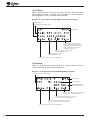
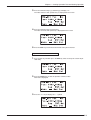
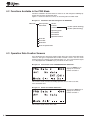
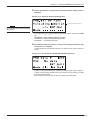
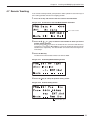
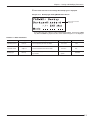
■ Figure 4-12 First Screen of the PRG Mode / Number Selection 1
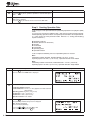
Select a data number
2. Press the ↑ , ↓ , ← or → key to select the data number for which operation
data is to be edited. The data number can also be selected using the
numerical keys.
Pressing the ↑ and ↓ keys causes the number of tens to increase and decrease,
respectively. Pressing the ← and → keys causes the number of units to increase
and decrease, respectively.
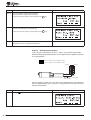
3. Press the ENT key.
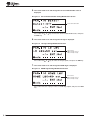
The data of the selected data number can now be edited.
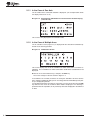
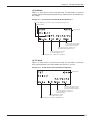
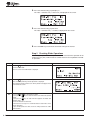
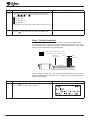
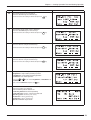
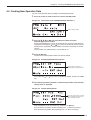
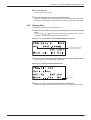
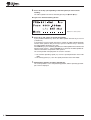
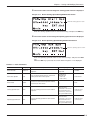
■ Figure 4-13 Positioning-Method Setting Screen
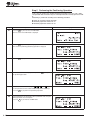
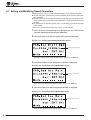
4. Continue pressing the ↑ or ↓ key until the item you want to edit is displayed.
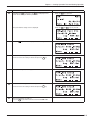
5. When the item to be edited is displayed, the setting value can be changed
as explained in 4.3, “Operation Data Creation Screens ”, on p. 4 -2.
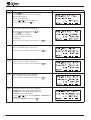
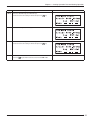
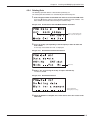
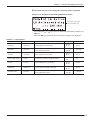
Example: To change the position
Enter the position via the numerical keys, and press the ENT key.
The set position is saved and the next item is displayed.
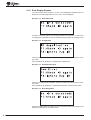
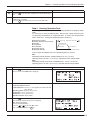
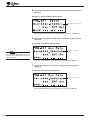
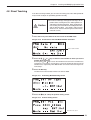
■ Figure 4-14 Position Setting Screen
Edit the position
4-6