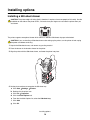
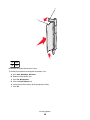
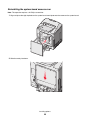
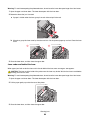
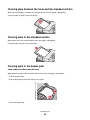
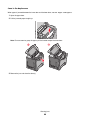
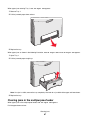
Reinstalling the system board access cover
Note: This operation requires a #2 Phillips screwdriver.
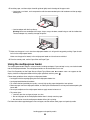
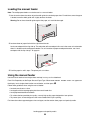
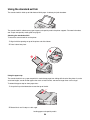
1 Align and place the eight keyholes on the system board metal plate onto the screws on the system board.
2 Slide the metal plate down.
Installing options
25