1
3URJUDP)XQFWLRQV
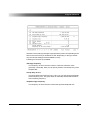
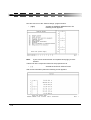
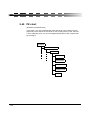
While you are in the “record” mode, you have the following options:
6HWDQLQWHUUXSWLRQ
If you press [Ctrl+p] during the recording of a keystroke macro, the macro will
stop at this point when replayed. This gives you the ability to adjust various
entries, and change the result of the macro.
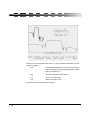
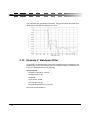
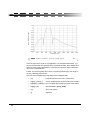
Practical example: When developing a parametric bandpass filter, the values
of the components can be optimized by changing the parameters. In order to
avoid having to re-enter all the data in each optimization step, we
recommend using a keystroke macro.
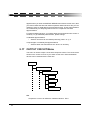
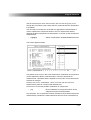
2XWSXWDWH[WILOHRUPHVVDJHSURYLGHDZDLWORRS
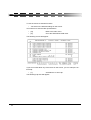
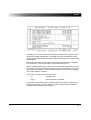
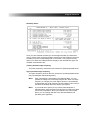
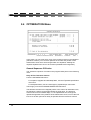
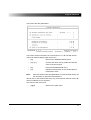
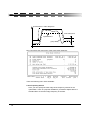
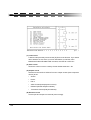
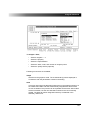
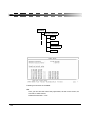
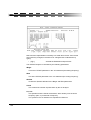
If you press [Ctrl+u] during the recording of a keystroke macro, the RECORD
menu will appear in the message line. Here, you can determine whether a
text file is displayed, a message is displayed, or a wait loop is initiated when
the keystroke macro is played back.
,QYRNLQJNH\PDFURV
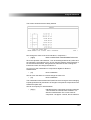
Keystroke macro files can be invoked in various ways:
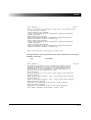
7RVWDUWDPDFURILOHIURP'26SURPSW
•
Add the name of the respective macro file to the program name “QF”
(separated by a blank). You do not have to add the extension .KDO.
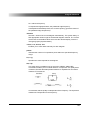
For example (only for DOS application):
•
QF approx[↵] Start 4XLFN)LO and immediately begin the macro
APPROX.KDO.
1RWH
Macros can only be invoked in this way if they were saved to the
same directory where the4XLFN)LO program is stored (key macro
files are not searched according to the path name).
7RVWDUWDPDFURILOHIURPZLWKLQWKHSURJUDP
For filename macros:
•
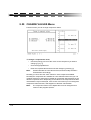
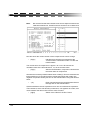
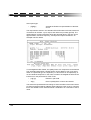
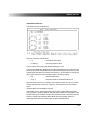
Select the filename (with or without the path name) in the MACRO menu,
under the Call menu function.
The execution of the macro begins immediately after confirming the entry in
the field.
155