1
FISO
BUS
Configuring the Gauge factor
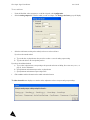
To configure a new gauge factor, proceed as follows:
1.
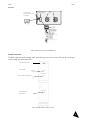
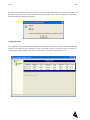
Under the Bus folder, in the navigation tree on the left side panel, select Configuration.
2.
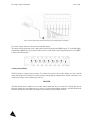
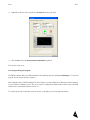
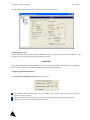
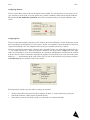
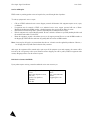
Select the Gauge factor table cell of the module you wish to configure. The Gauge factor pop-up will display.
3.
Type the new gauge factor in the New gauge text box.
IMPORTANT
Pay attention not to confuse the gauge factor with the sensor serial number.
4.
5.
6.
Click on Add.
Continue adding gauge factors by repeating steps 3 and 4.
When you are done adding gauge factors, click on OK.
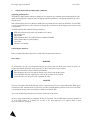
If you wish to select an already registered sensor gauge factor from the list,
1.
2.
3.
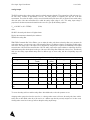
Select the gauge factor cell of the module you wish to configure. The Gauge factor pop-up will display.
Select a gauge factor that has already been configured from the list.
Click on OK.
34