1
Modicon Premium automation
platform
Diagnostics
4
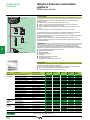
Master module for AS-Interface cabling system
Diagnostics
1
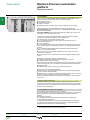
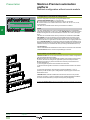
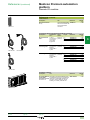
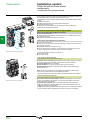
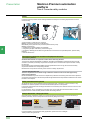
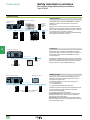
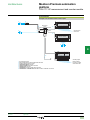
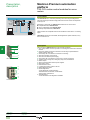
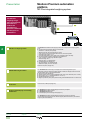
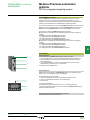
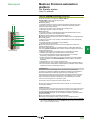
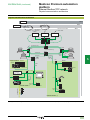
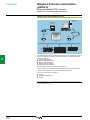
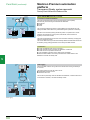
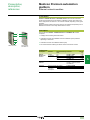
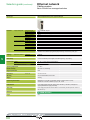
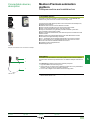
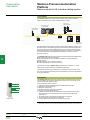
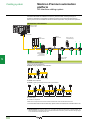
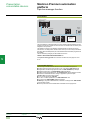
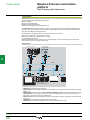
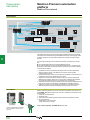
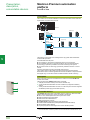
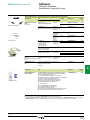
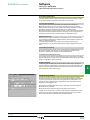
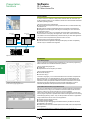
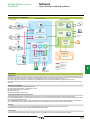
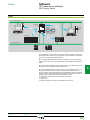
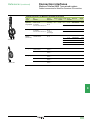
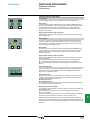
Diagnostics carried out using the centralized display block on the Modicon TSX Micro
platform or the display block on the TSX SAY 1000 Modicon Premium platform module
can be supplemented by using a PC with the Unity Pro or PL7 Micro/Junior/Pro
software.
1
2
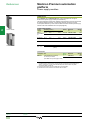
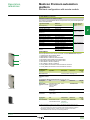
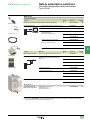
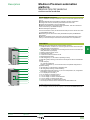
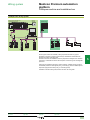
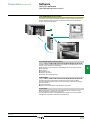
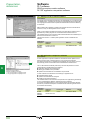
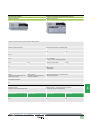
The terminal connected to the Modicon TSX Micro/Premium PLC is used for diagnosing
the operation of the following:
b TSX SAZ 10 and TSX SAY 1000 AS-Interface master modules
b The AS-Interface line
b Slave devices on the line
2
For the TSX SAY 1000 V2 AS-Interface master module, the diagnostics also takes
the changes to the M2E standard into account.
3
4
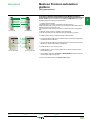
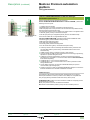
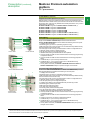
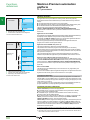
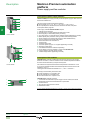
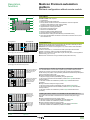
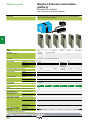
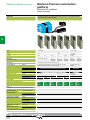
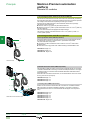
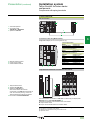
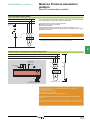
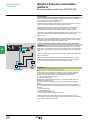
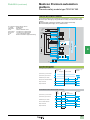
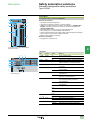
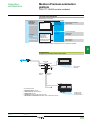
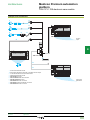
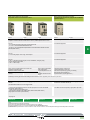
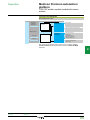
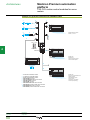
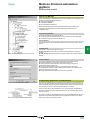
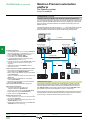
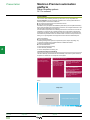
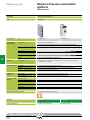
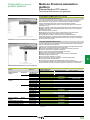
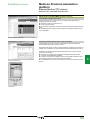
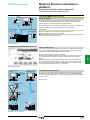
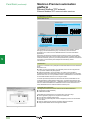
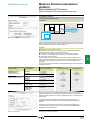
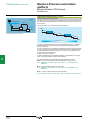
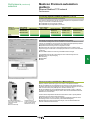
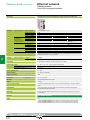
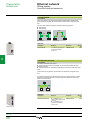
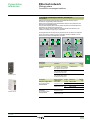
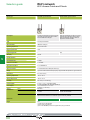
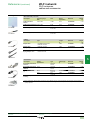
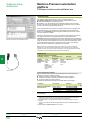
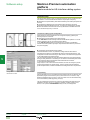
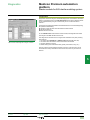
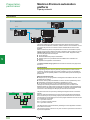
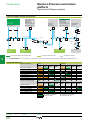
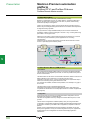
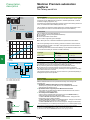
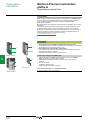
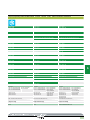
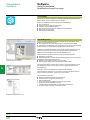
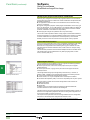
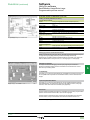
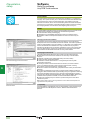
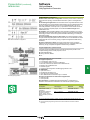
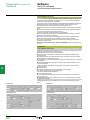
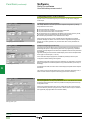
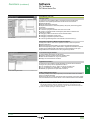
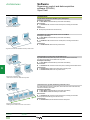
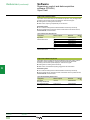
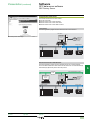
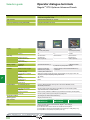
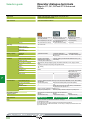
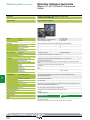
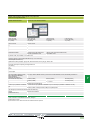
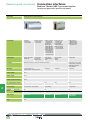
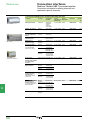
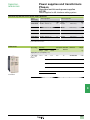
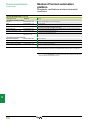
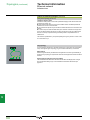
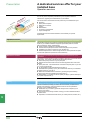
TSX SAY 1000 module diagnostics using PL7 software
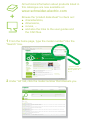
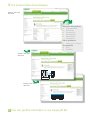
This diagnostics is carried out from a single screen divided into four parts providing
information on:
1 The status of the TSX SAZ 10 or TSX SAY 1000 module (RUN, ERR, I/O)
2 The status of the AS-Interface channel connected to the module
3 The faulty interface (or slave)
4 Details relating to the selected interface (profile, parameters, forcing, etc.)
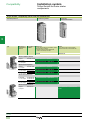
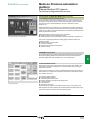
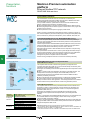
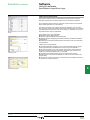
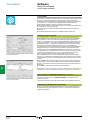
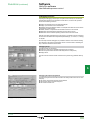
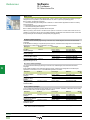
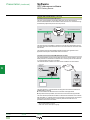
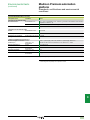
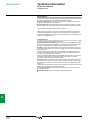
If there is a fault on the AS-Interface module or channel, a second screen can be
accessed which clearly indicates the nature of the fault, which may be internal or
external.
3
4
5
6
7
8
9
10
Presentation:
page 5/92
Cabling system:
page 5/96
References:
pages 5/93 and 5/97
5/95