1
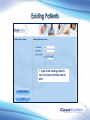
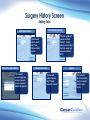
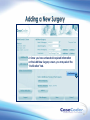
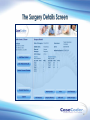
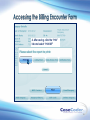
Date of Surgery
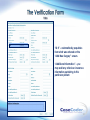
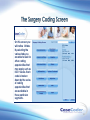
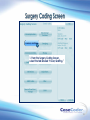
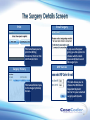
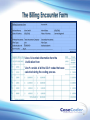
“Date of Surgery” – can be entered by selecting the calendar
next to the format box.
Admit Date
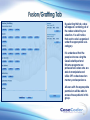
“Admit Date” – has to be either the same date as the Date of
Surgery or before the Date of Surgery.
Place of Surgery
Insurance
ID #
Authorization #
Carrier Type
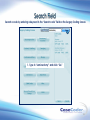
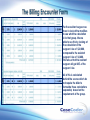
“Place of Surgery” – you may select a surgery location from the
drop down menu or add a new location by selecting the “Add
New” tab.
“Insurance” – you may select the insurance from the drop down
menu or add a new insurance by selecting the “Add New” tab.
“ID #” - will self populate to the Verification Form.
“Authorization #” – will self populate to the Verification Form.
“Carrier Type” – transfers over to the Billing Encounter Form
utilized in the CaseCoder Extreme program.
21