1
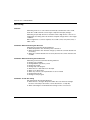
Main Functions of REG48/REG96
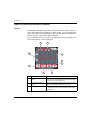
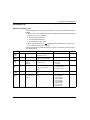
Setting Self-Tuning
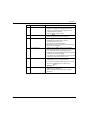
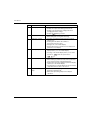
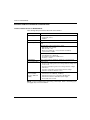
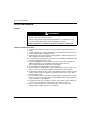
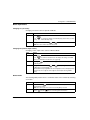
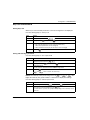
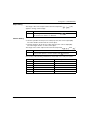
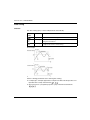
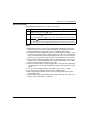
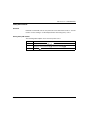
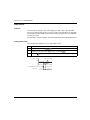
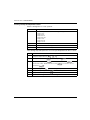
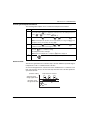
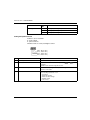
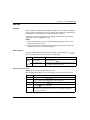
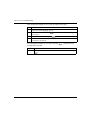
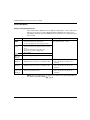
The following table explains how to set the Self-tuning:
Step
Action
1
Turn on power of the controller and set the SV value.
2
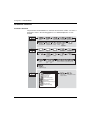
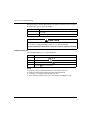
Display the system menu
3
Display the controller parameter
4
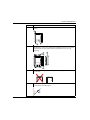
Press the
.
and choose self-tuning
.
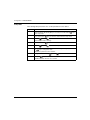
key to set the value.
5
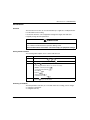
Turn off power of the controller.
6
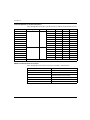
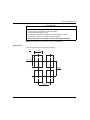
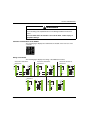
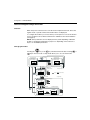
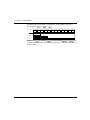
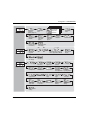
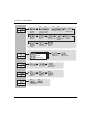
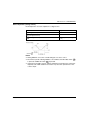
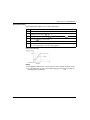
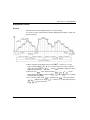
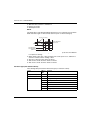
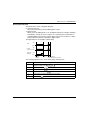
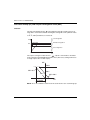
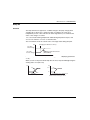
Turn on power of the control target equipment and the controller. Turn on power of
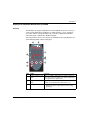
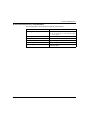
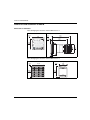
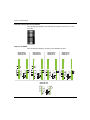
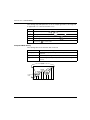
the control equipment first. See the following graphic.
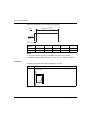
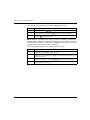
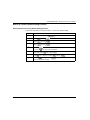
Self-Tuning will begin:
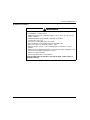
NOTE:
EIO0000001299 09/2012
z
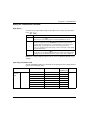
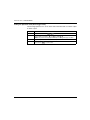
The equipment will not tune correctly if power of the controller is turned on first.
z
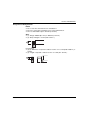
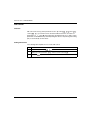
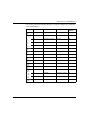
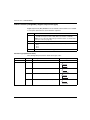
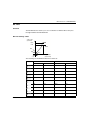
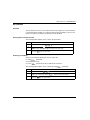
To reset self-tuning, set the control method (
changing back to self-tuning.
) to PID (
) once before
69