1
Chapter 4
Sequence Editor Menu Bar
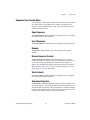
Debug Menu
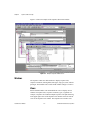
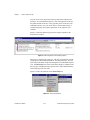
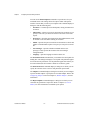
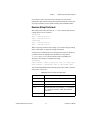
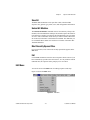
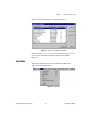
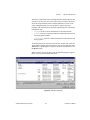
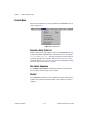
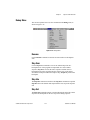
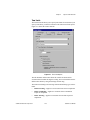
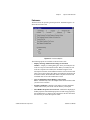
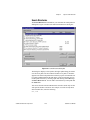
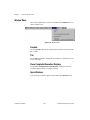
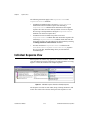
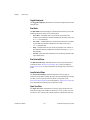
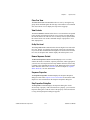
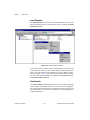
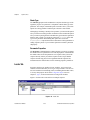
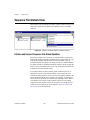
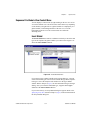
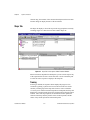
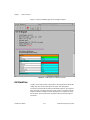
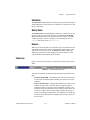
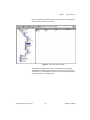
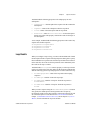
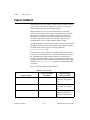
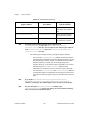
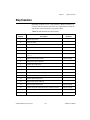
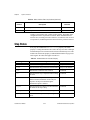
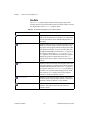
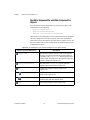
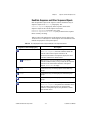
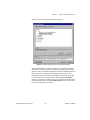
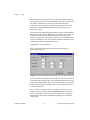
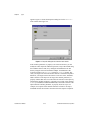
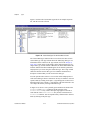
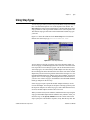
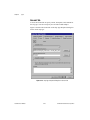
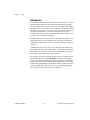
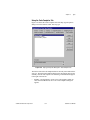
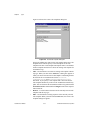
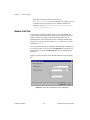
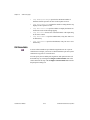
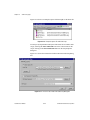
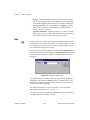
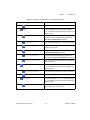
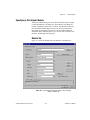
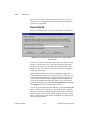
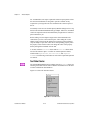
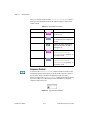
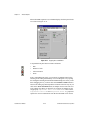
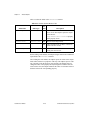
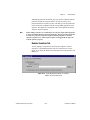
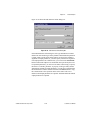
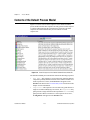
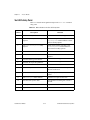
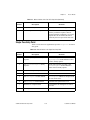
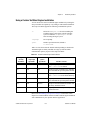
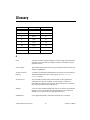
This section explains how to use the commands in the Debug menu, as
shown in Figure 4-14.
Figure 4-14. Debug Menu
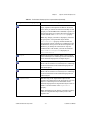
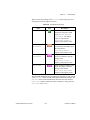
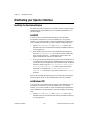
Resume
Use the Resume command to continue execution when in a breakpoint
state.
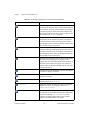
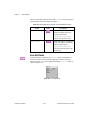
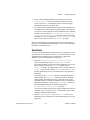
Step Over
Use the Step Over command to execute an outlined step when in a
breakpoint state. If the program last suspended on a call to another
sequence, Step Over executes the entire sequence and then enters a
breakpoint state on the step following the sequence step. If the engine
encounters a breakpoint within the sequence step, Step Over pauses at the
breakpoint.
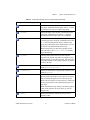
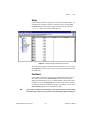
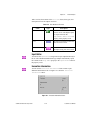
Step Into
The Step Into command is similar to the Step Over command except that
Step Into enters the function and suspends at the first step in the sequence
call.
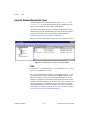
Step Out
The Step Out command resumes execution through the end of the current
sequence and breakpoints on the next step in the calling sequence.
© National Instruments Corporation
4-17
TestStand User Manual