1
Accounting & Simulator Plug-In
To Place an Order using the Accounting Toolbar:
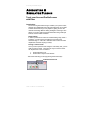
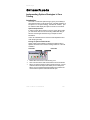
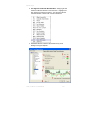
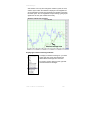
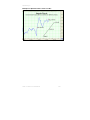
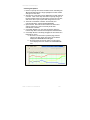
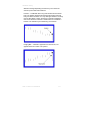
Click on the Order Placement Tool on the Toolbox.
1.
2.
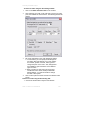
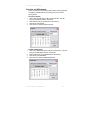
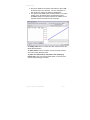
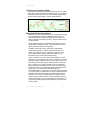
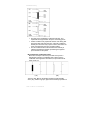
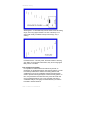
Click and drag your order on the chart until you find your order
point, then release the mouse button. The following window will
appear.
3.
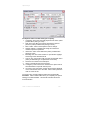
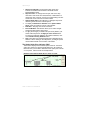
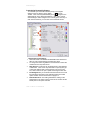
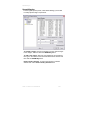
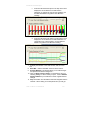
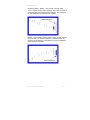
Fill out the information in the order placement window.
a. In this window, you can specify the brokerage fee
(per side), date order placed, buy or sell, quantity
of contracts, symbol of contact, order type and
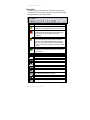
change the price on the order. Also, Help options
are available to give instructions on the different
types of orders.
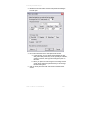
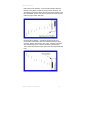
b. When you place an order using the Accounting
Toolbar the screen above will be pre filled with
default settings. You will not be able to change
the date or the symbol.
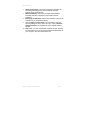
4. Click on OK to place the order and Cancel to dismiss order
screen.
To Place an order using the Accounting Tab:
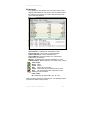
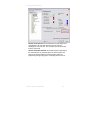
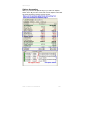
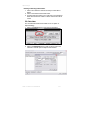
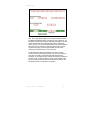
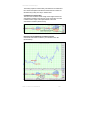
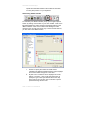
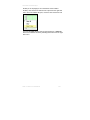
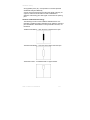
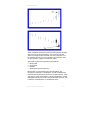
1. Click on the Order button in My Account Window:
Track ‘n Trade Pro 4.0 User Manual
252