1
Commitment of Traders Plug-In
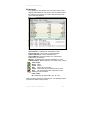
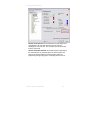
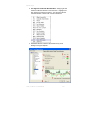
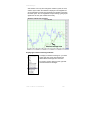
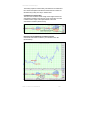
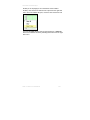
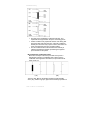
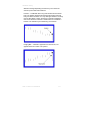
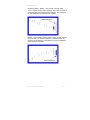
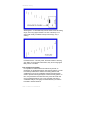
window) or the top edge (if it is on the bottom of the indicator
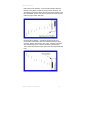
window). Next choose the “Select Color” option from the right-click
menu. The Color Palette will open, choose a color and click on OK.
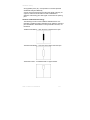
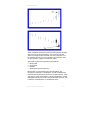
You may also Clear the item that you right-clicked on or Clear All
items in the Indicator window by selecting these items from the rightclick menu.
Track ‘n Trade Pro 4.0 User Manual
304