1
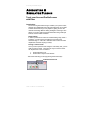
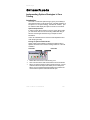
Accounting & Simulator Plug-In
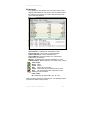
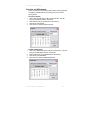
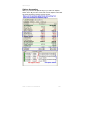
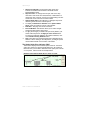
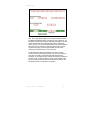
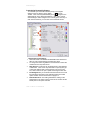
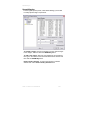
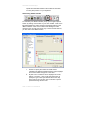
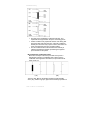
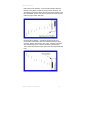
Each order is listed on the My Account tab by Date, Commodity,
Details, and Placed On.
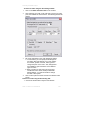
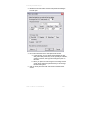
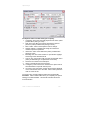
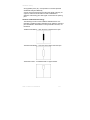
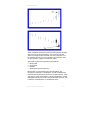
To modify an Order:
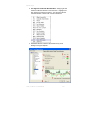
Right-click the entry and select Settings from the menu.
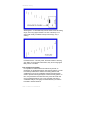
To Cancel or Delete an Order:
Right-click on the order listed in My Account and click on Delete
from the menu.
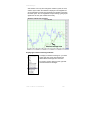
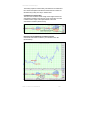
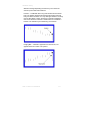
Note: If you delete an order from a chart in the Chart Window,
this simply hides the order; orders need to be deleted in the My
Account window. Also, if you delete a chart in the Commodities
Window, any orders placed on that chart will not be deleted from
your book.
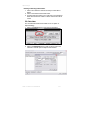
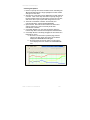
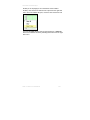
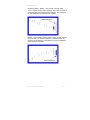
To Hide/Show an order on a Chart:
Right -click on the order listed in My Account and select
Hide/Show from the menu.
Note: If you would like to hide/show all orders use the Hide
All/Show All from the menu.
Track ‘n Trade Pro 4.0 User Manual
256