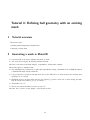
1
Tutorial 5: Fixing a poorly conditioned mesh
ShipMo3D Tutorials
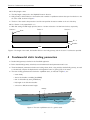
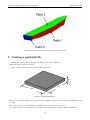
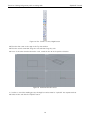
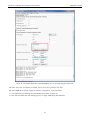
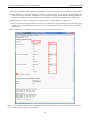
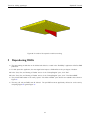
Figure 27: The creation of a continuous surface patch (highlighted yellow) created by snapping to 4 corners (red x) of the
mesh.
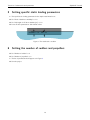
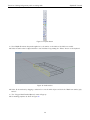
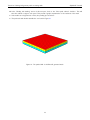
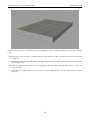
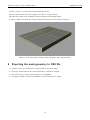
J Repeat the process of creating continuing surfaces for the remaining 5 sides. The results will look like that shown
in Figure 28.
+ Now that the geometry is perfectly represented using continuous surfaces, the poorly discretised mesh can be deleted
from the Rhino scene.
J Select the original mesh geometry so that it’s highlighted yellow and delete it by pressing the “Delete” or “Del” key
on the keyboard.
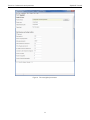
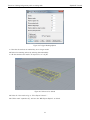
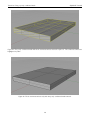
+ After deleted the original mesh, only the continuous surface representation of the box will remain as shown in
Figure 29.
28