1
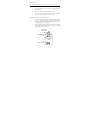
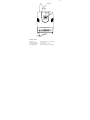
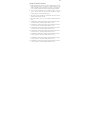
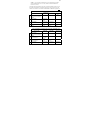
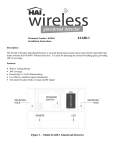
To enter Setup Mode, press and hold the Mode/Advance
switch for 2 seconds.
DISPLAY
A 1
n 1
1
2
3
DESCRIPTION
SET SWITCH
Enter the receiver
address
Enter number of
addresses
Displays the status of
transmitter 1
Displays the status of
transmitter 2
Displays the status of
transmitter 3
Changes the current
address (1-8)
Changes number of
addresses (1-4)
Changes characteristics
of transmitter
Changes characteristics
of transmitter
Changes characteristics
of transmitter
MODE/ADVANCE
SWITCH
Advances to the next
item
Advances to the next
item
Advances to the next
transmitter
Advances to the next
transmitter
Advances to the next
transmitter
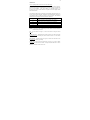
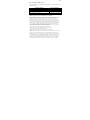
Characteristics of Transmitters:
DISPLAY
MODE
LED
OFF
OFF
TYPE LED
DESCRIPTION OF THE DISPLAY
OFF
BLINKS
.1*
ON
BLINKS
1.
OFF
ON
.1.
ON
ON
No transmitter is programmed at this address
This transmitter is not supervised and doesn't
send restore transmissions
This transmitter is not supervised but sends
restore transmissions
This transmitter is supervised but doesn't send
restore transmissions
This transmitter is supervised and sends
restore transmissions
1
1*
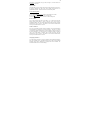
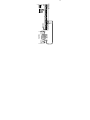
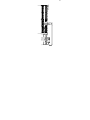
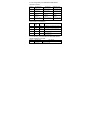
To reset memory, press and hold the Set and Mode/Advance
switches together for 2 seconds.
DISPLAY
DESCRIPTION
E E
Erase EEPROM ?
(Reset Memory)
SET SWITCH
Press and hold Set & Mode/Advance switches
together for 2 seconds